PHP Vulnerability 2026: Why Ventura Businesses Need to Protect Their Websites Now
Cybersecurity Alert | Updated October 23, 2026
Imagine arriving at your office one morning and finding an urgent message from your website hosting company.
The message says that a serious security problem has been discovered in PHP, the software that helps run millions of websites.
You open your website, and everything looks normal. Customers can still visit it. Your contact forms appear to work. Nothing seems wrong.
So why is everyone talking about a major cybersecurity threat?
Here is something many business owners do not realize. Just because your website is working does not always mean it is secure.
A new PHP vulnerability in 2026 has raised serious concerns for website owners, hosting providers, and IT professionals.
For businesses in Ventura County, this is a good reminder that website security needs just as much attention as your office computers and network.
What Is PHP, and Why Should You Care?
Understanding the PHP Vulnerability is crucial for maintaining your website’s security.
Let's start with something simple.
Think of your business website like a car.
Your customers see the outside. They see the design, pictures, services, and contact information.
But underneath everything is an engine that helps the website work.
For many websites, that engine is PHP.
PHP is a programming language used by WordPress and many other websites. It helps process information, load pages, and communicate with databases.
Your website may look beautiful, but if the software running behind it has a security problem, your business could still be at risk.
This is why keeping PHP updated is important.
What Happened With the New PHP Vulnerability?
This new PHP vulnerability can affect any website that relies on this software.
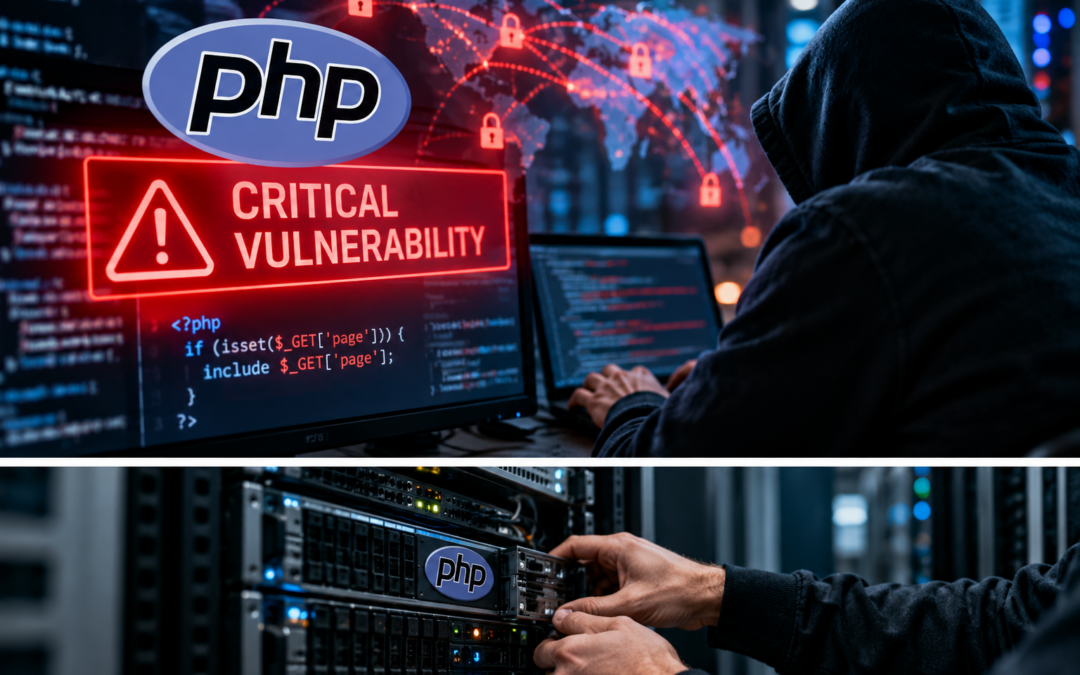
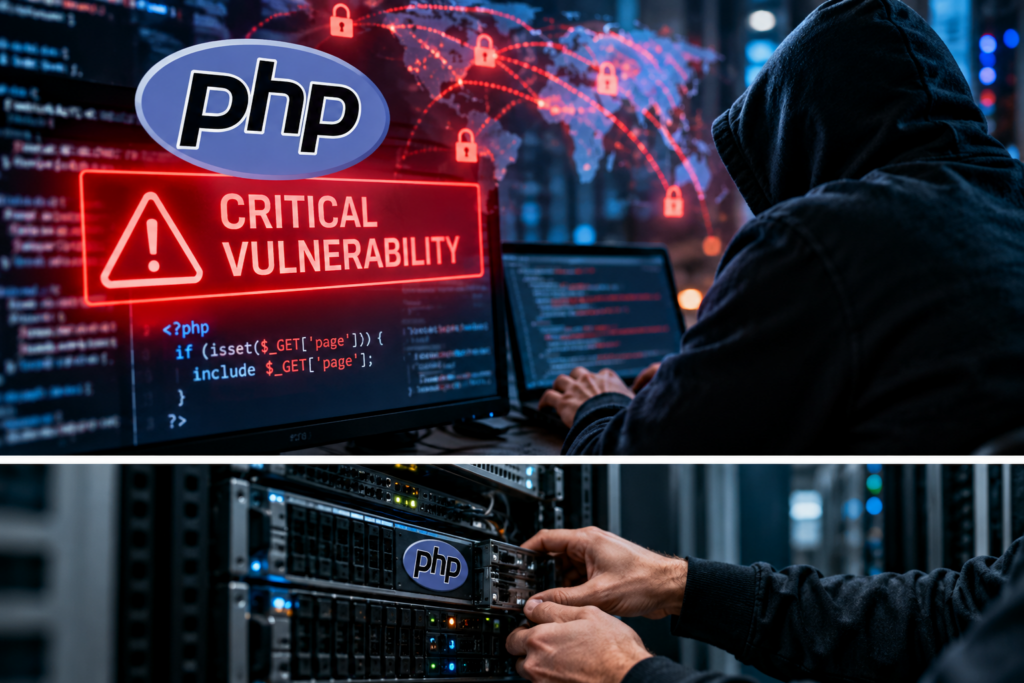
The latest PHP vulnerability, known as the PHP Vulnerability, has caused a stir in the cybersecurity community, prompting urgent updates for all users.
On October 21, 2026, the PHP development team released emergency security updates for two serious vulnerabilities.
Security researchers call them PHP2Shell.
With the rise of the PHP vulnerability, the importance of immediate action cannot be overstated.
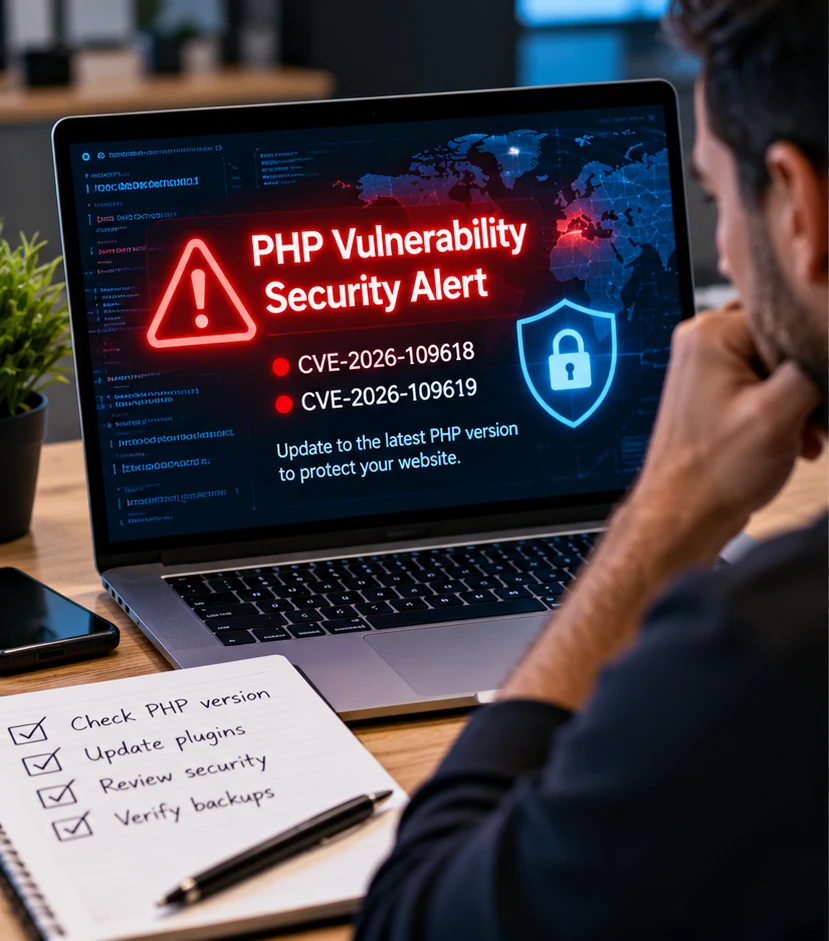
The vulnerabilities are identified as CVE-2026-109618 and CVE-2026-109619. Both received a critical severity score of 9.2 out of 10.
Addressing the PHP vulnerability proactively can save your business from severe risks.
Now, what does that actually mean?
Under certain conditions, an attacker could use these weaknesses to run harmful instructions on a vulnerable web server without first signing in.
Recognizing how the PHP vulnerability can affect your operations is essential for all business owners.
This is known as remote code execution.
The impact of the PHP vulnerability on your website's credibility can be substantial.
Even small websites are not immune to the PHP vulnerability.
Be proactive in addressing the PHP vulnerability to avoid future issues.
Your strategy for handling the PHP vulnerability should include regular updates.
Think about someone finding a hidden way into your office that bypasses the normal front door.
The attacker may not need an employee's password to attempt an attack.
Assessing your response to the PHP vulnerability can enhance your digital security.
Letting the PHP vulnerability go unchecked could lead to significant disruptions.
Understanding the implications of the PHP vulnerability is crucial for your business continuity.
The potential fallout from the PHP vulnerability makes immediate action necessary.
Take the time to fully understand the risks associated with the PHP vulnerability.
Depending on the website and server setup, a successful attack could put business information and website operations at risk.
Security researchers have already reported attempts to exploit these vulnerabilities. However, this does not mean every PHP website has been attacked or compromised.
You can read the official PHP security advisory for the latest technical information.
Awareness of the recent PHP vulnerability is key to safeguarding your online assets.
Why This Matters for Ventura County Businesses
You might be thinking, "I only have a small business website. Why would someone want to attack it?"
That is a fair question.
But attackers do not always choose businesses based on their size.
Some attacks use automated tools to search the internet for systems that have not been updated.
Your website could be a small part of your business, but it may still handle important information.
Think about contact forms, appointment requests, customer messages, and online payments.
If your website is compromised, it could affect your customers, interrupt services, or damage the trust people have in your company.
For a small business, even a short interruption can create problems.
That is why website security should be part of your overall cybersecurity plan.
Let's Go Back to That Morning at the Office
Remember the business owner who received the urgent email?
The website was working, so everything seemed fine.
But now the owner knows that the website could be running software that needs an important security update.
The next question should not be, "Should I wait until something breaks?"
It should be, "How do I find out whether my website is protected?"
This is where having someone who understands your website and hosting environment can make a big difference.
Instead of guessing, you can verify what version of PHP your website uses, whether the hosting provider has applied the security fix, and whether anything unusual has happened.
How Can You Check Whether Your Website Is Protected?
If you use WordPress, you can start by checking your PHP version.
Sign in to your WordPress dashboard and open Tools → Site Health → Info → Server.
Look for the PHP version.
For the two PHP2Shell vulnerabilities, the PHP team released the following fixed versions:
PHP 8.2.35, PHP 8.3.36, PHP 8.4.27, and PHP 8.5.12.
These updates became available on October 21, 2026.
If your website is using an older version, contact your hosting provider to confirm whether the required security fixes have been applied.
Some hosting providers use special security updates that do not change the displayed version number. That is why checking with your provider matters.
Older PHP versions that are no longer officially supported may require a supported upgrade or a security fix supplied by the operating system vendor.
Do not blindly change your PHP version without checking whether your website is compatible.
WordPress themes, plugins, and business applications may need testing after a major PHP upgrade.
The official WordPress PHP update guide explains why backups and compatibility testing are important.
Updating WordPress Is Not the Same as Updating PHP
Here is another thing worth understanding.
Updating your WordPress plugins is important, but that does not automatically fix a problem inside PHP itself.
WordPress, your theme, your plugins, and PHP are separate parts of the website.
Each needs proper maintenance.
For example, you may have the newest version of WordPress but still be running an outdated PHP version on your hosting server.
That means your website could remain exposed to a PHP security vulnerability.
Your hosting provider or server administrator usually manages the PHP software itself.
What If Your Website Cannot Be Updated Right Away?
Sometimes businesses use older websites or applications that need additional testing before an update.
If that happens, do not simply ignore the warning.
Contact your hosting provider or IT team immediately.
They can review your exposure, take temporary protective steps, and determine how to install the fix safely.
Each business must evaluate how the PHP vulnerability affects their website specifically.
Having a strategy in place to address the PHP vulnerability is vital for success.
In serious cases, it may be necessary to temporarily restrict access to an affected service until the update is completed.
The important thing to understand is that temporary protection is not a replacement for installing the security fix.
Another PHP Security Warning on October 23
The PHP team also issued guidance on October 23 for a separate, less common vulnerability, CVE-2026-115560.
Unlike the two critical PHP2Shell problems, this issue requires an unusual combination of website code and server settings.
The PHP team recommends a temporary server configuration change for affected systems until a regular software fix becomes available.
This is another reason your hosting provider should review the latest PHP advisories instead of assuming that one update addresses every possible issue.
Cybersecurity Is More Than Installing Updates
Keeping PHP updated is one important part of protecting your website.
But there are other things businesses should think about.
For example, who has access to the website? Are administrator accounts protected with multifactor authentication? Are unused plugins still installed? Is anyone monitoring the website for unusual activity?
Monitoring your website for the PHP vulnerability can help minimize risks.
A website firewall can help filter unwanted traffic, but it cannot replace a required PHP security patch.
Addressing the PHP vulnerability should be a priority for all website owners.
Regularly updating your website can mitigate risks associated with the PHP vulnerability.
Don't underestimate the potential impact of the PHP vulnerability on your business.
Staying informed about the PHP vulnerability is part of a proactive business strategy.
Developing a comprehensive response to the PHP vulnerability ensures long-term security.
Failing to address the PHP vulnerability promptly can lead to significant consequences.
At Smile Global, we believe cybersecurity should be built in layers.
If one security measure fails, other protections may help reduce the damage.
Our Managed IT Services help Ventura County businesses plan and maintain their technology with security and reliability in mind.
Don't Forget Your Website Backups
Now imagine that an attacker successfully damages your website.
Would you be able to restore it?
This is where backups become important.
A good website backup should include your important files and database information.
You should also have a protected copy stored somewhere outside the main website environment.
And here is the question I always like to ask:
When was the last time you actually tested your backup?
Having a backup is good. Knowing you can restore it is even better.
Learn more about our Backup and Disaster Recovery Services and why recovery planning matters.
Best Practices to Protect Your Business Website
Here are a few steps I recommend for businesses using WordPress or other PHP websites.
- Keep PHP updated. Make sure your hosting provider installs important security fixes and uses supported software.
- Protect administrator accounts. Use strong passwords, multifactor authentication, and only the access each person needs.
- Maintain your website. Keep WordPress, themes, and plugins updated, and remove software you no longer use.
- Test your backups. Keep protected backup copies and verify that your website can be restored when needed.
These steps cannot prevent every attack, but they help reduce the chances of a small problem becoming a major business interruption.
Frequently Asked Questions About the PHP Vulnerability
Is my WordPress website affected by the PHP vulnerability?
Possibly. WordPress uses PHP, but whether your website is exposed depends on the PHP version, server configuration, and security updates installed by your hosting provider. Ask your hosting company to confirm the status.
Can hackers attack my website even if it looks normal?
Yes. A website can appear to work normally while running vulnerable software. Some attacks may not cause an immediate visible problem. Regular updates, monitoring, and security reviews are important.
Will updating WordPress fix the PHP vulnerability?
Not by itself. WordPress updates and PHP updates are different. Your hosting provider or server administrator must make sure the PHP software includes the required security fixes.
Should I take my website offline?
Not every website needs to be taken offline. The priority is to install the security updates as quickly and safely as possible. If your website is exposed and cannot be patched immediately, your hosting provider should determine whether temporary restrictions are necessary.
Can a backup protect my website from hackers?
A backup does not prevent someone from attacking your website. However, a clean, protected backup can help you restore your website if files become damaged or lost. Security monitoring and backups should work together.
A Small Update Today Can Prevent a Big Problem Tomorrow
Let's return one last time to our business owner in Ventura.
The website still looks normal.
But this time, instead of ignoring the security warning, the owner contacts the hosting provider.
The provider checks the PHP version, confirms whether the emergency updates have been installed, and reviews the website for signs of trouble.
The business also verifies that its backups are working.
Now there is a clear plan instead of uncertainty.
That is the difference between waiting for something to happen and taking steps to protect your business.
The new PHP vulnerabilities are serious, but they do not mean the entire internet is going to stop working.
They mean website owners, hosting companies, and IT professionals need to take security updates seriously.
At Smile Global, we help businesses throughout Ventura, Oxnard, Camarillo, Thousand Oaks, Moorpark, and surrounding Ventura County communities protect their technology and plan for unexpected problems.
If you are unsure whether your website is running secure, supported software, now is a good time to have it reviewed.
Need help protecting your business technology?
Contact Smile Global to discuss your cybersecurity and IT needs.
Frequently Asked Questions About the PHP Vulnerability 2026
1. What is the PHP Vulnerability 2026?
2. Does the new PHP vulnerability affect WordPress websites?
3. How do I check my WordPress PHP version?
4. Which PHP versions fix the PHP2Shell vulnerabilities?
5. Will updating WordPress fix the PHP security problem?
6. Can hackers access my website without knowing my password?
7. Does a website firewall protect me from the PHP vulnerability?
8. What about the additional PHP vulnerability announced on October 23?
9. What should I do if I think my website has already been hacked?
10. How can Smile Global help protect my business from cybersecurity threats?
**PHP Vulnerability 2026: A Call to Action for Internet Security**
The recent PHP vulnerabilities have raised significant concerns within the cybersecurity community, indicating that website owners, hosting companies, and IT professionals must prioritize immediate security updates. While these vulnerabilities pose a risk, they do not spell disaster for the entire internet; rather, they serve as a crucial reminder of the importance of robust security measures. Businesses across Ventura County, including Ventura, Oxnard, Camarillo, Thousand Oaks, and Moorpark, should take this opportunity to evaluate their technology infrastructure and ensure they are operating secure, supported software. At Smile Global, we specialize in helping organizations navigate these challenges and enhance their cybersecurity posture.
# Frequently Asked Questions About the PHP Vulnerability 2026