
Published November 24, 2026 | New threat research reported November 23 | Affected product: ConnectWise ScreenConnect
A remote support tool is meant to help people fix computer problems. But a new report shows how attackers used a flaw in ScreenConnect to put IT technicians at risk. For small businesses, that matters because a technician may have trusted access to many customer computers.
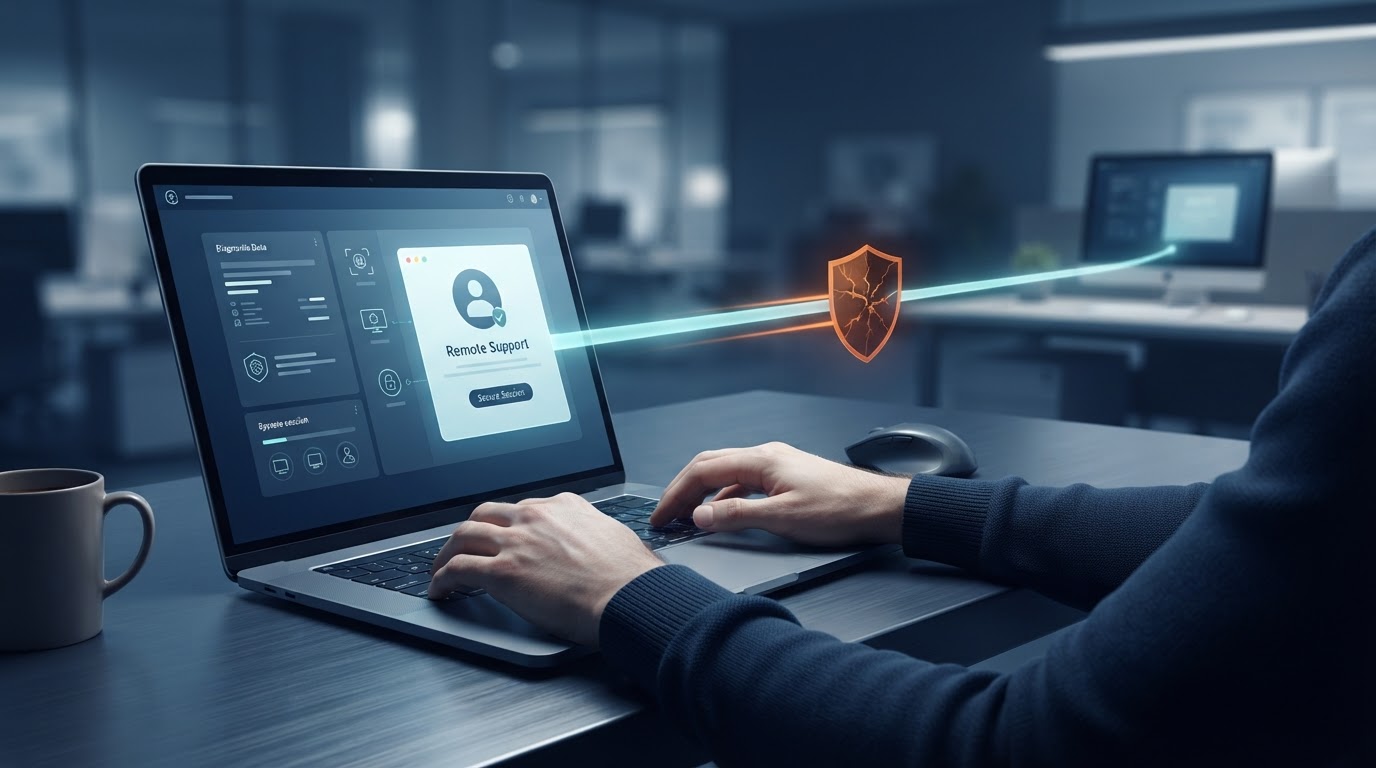
The security team at Huntress says it saw real attacks on ScreenConnect support sessions. In one case, a technician joined a session and an attacker sent a harmful file. In about nine seconds, the attack set up a new way to reach the technician's PC. This was not just a test in a lab.
The good news is that a fix is available. The key is making sure the technician's own ScreenConnect client has been updated. Updating the server by itself is not enough. Here is what happened, what is confirmed, and what business owners can ask their IT team to check.
What happened, and when?
September 8, 2026: ConnectWise released ScreenConnect version 26.6.5. It fixes a flaw known as CVE-2026-84869. This issue has a critical risk score of 9.9 out of 10. The issue affects certain older ScreenConnect clients used to join remote sessions.
October 20 through November 16: Huntress found at least 688,000 requests trying to run files through guest sessions. The requests reached 42 MSP ScreenConnect servers and came from 29 source IP addresses. These numbers count attack requests, not 688,000 infected computers.
November 12: Huntress saw a harmful file run on one MSP technician's computer. It then reported back to the attacker, got more software, and started a second remote connection controlled by the attacker. The team tracked those steps over about nine seconds.
November 13: The researchers saw another attempt on a different technician's machine. In that case, the file acted as a test. They also found other attempts in October to place files where they could run when a technician signed in.
November 23: New public reporting highlighted the attacks. Huntress shared its findings, and The Hacker News reported the risk to MSPs. The flaw was already known and patched; the new point is that researchers confirmed people were still being targeted.
How can a support session become an attack?
ScreenConnect lets IT teams connect to a computer from a different location. It can be a great tool for fixing problems without a visit. In a normal session, a technician can choose which files to send and which tasks to run.
The flaw breaks part of that trust. A guest in a session could cause an older technician client to move and run a file without the technician approving it. The technician might not see a warning or be asked to click a button. Simply joining the wrong session could be enough.
Think about a front door that opens with one key, but also has a hidden side entrance. The front door may be locked, yet the side entrance still puts the office at risk. In this case, the side entrance was a file action inside a trusted remote support tool.
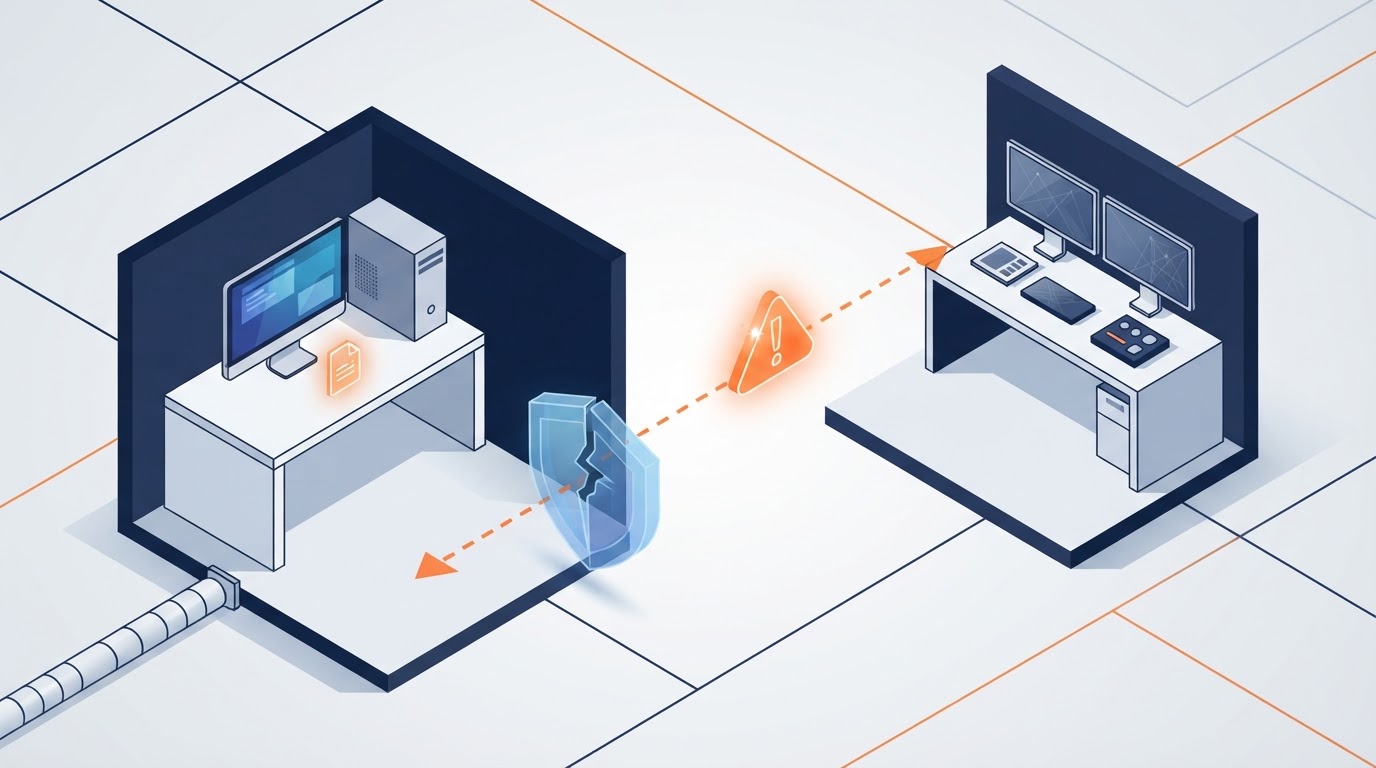
Huntress found one attack that ended with a second, unauthorized ScreenConnect client on the technician's PC. It was dressed up to look like a Windows update. That gave the attacker a path back into the machine without using the normal support session.
This does not prove that every ScreenConnect server was hacked or that every guest session was harmful. It shows why one old client can be a serious weak spot. The risk sits on the computer a technician uses to connect, not only on the server that holds the sessions.
Why should small businesses and healthcare offices care?
A support technician often works with passwords, system settings, servers, backups, and Microsoft 365 accounts. The same technician may help a dental office in the morning and a law firm in the afternoon. If that laptop is taken over, the risk may reach beyond one machine.
For a small business, that could mean lost work time or a new path for fraud. For a healthcare office, the stakes can be higher because staff need patient systems and scheduling tools throughout the day. This news does not mean patient information was stolen in these reported cases. It means a trusted support link deserves extra care.
The main point is simple: the tool used to protect and support a business also needs protection. Strong customer firewalls are important, but they cannot replace safe access on the technician's computer.
What IT teams should check now
1. Check the version on every technician's PC. ScreenConnect technician host clients and affected Access agents should be on version 26.6.5 or later. ConnectWise says cloud servers received the server update, but technicians may still need to reinstall their host clients and update Access agents.
2. Review who can join support sessions. Treat blank, unknown, or unexpected guest sessions with care. Confirm that each session belongs to a real customer and has a valid reason to be online. Limit who can transfer files through support tools.
3. Look for warning signs. Huntress advises checking for unexpected scripts started by the ScreenConnect client, odd file transfers, and remote connections to servers the business does not know. An IT team can review logs and alerts without guessing whether an attack took place.
4. Use a safe short-term setting if needed. If the update cannot be installed at once, ConnectWise recommends removing the TransferFiles permission from roles and session groups until the fix is in place. That is a temporary step, not a replacement for patching.
5. Respond quickly to any real sign of trouble. If an IT technician's PC ran one of the harmful files, isolate that PC and have a qualified team check it. Review remote tools and change any passwords or sign-in tokens that may have been exposed. Do not assume that deleting one file fully solves the problem.
What business owners can ask their IT provider
You do not need to know every software version to ask good questions. Start with these: Are the tools you use to support our computers up to date? Do your technicians use secure sign-in methods? Can you tell when a strange remote session appears? And do you have a clear plan if a support computer gets infected?
Ask the provider to confirm what was checked, not just say that the server looks healthy. A useful answer should cover both the central tool and the actual computers used by technicians. Keep that check in your regular IT care plan, not only when a headline appears.
If your business does not use ScreenConnect, this exact flaw may not affect you. Even so, it is a good reminder to review any other remote support or remote control tools you rely on. The lesson is about keeping trusted access safe.
For the same lesson in a different setting, see why firewall management tools need protection too.

A safer way to handle remote support
At Smile Global, we believe IT support should solve problems without creating new ones. Businesses need help they can trust, whether the work happens on site or over a secure remote connection. Regular updates, limited access, monitoring, and strong passwords all play a part.
If you want help reviewing your business IT security, visit our cybersecurity services page or contact Smile Global. We can discuss the remote tools you use and ways to lower risk. No one can promise perfect security, but a few good checks can prevent a lot of trouble.
Confirmed sources and what is still unknown
This report is based on Huntress's original investigation, ConnectWise's official security bulletin, and The Hacker News report dated November 23, 2026.
The attacks and the fix are confirmed. Researchers have not publicly proved that every attempted file request ran, and they have not identified a single named group behind all of the related activity. Do not treat attack attempts as confirmed victims. Check your own systems before drawing conclusions.