
Smile Global Cyber Watch | November 24, 2026
Imagine that you open your business app on a Monday morning. Instead of finding your usual work, you learn that the cloud service behind the app will soon close. Your team needs the app to take orders, help customers, and get work done. You have only a short time to find it a new home.
That is the situation facing Rackspace Spot customers. The company has announced that Spot will close after a security incident. This is a good reminder that a cloud service may be reliable for years, but your business still needs a plan for the day it stops working.

What happened to Rackspace Spot?
On November 17, 2026, someone used stolen or compromised credentials to gain access to parts of the Spot platform. A customer reported the issue the next day. Rackspace restricted access to the control panel and restored the service on November 21.
According to BleepingComputer's November 24 report, the intruder could start unauthorized computing tasks in customer environments and may have been able to view secrets and files. The company is asking all Spot customers to treat certain access credentials as potentially exposed.
Spot is a service for running applications using Kubernetes. Kubernetes helps a team run many parts of an app together. It is not the same as a simple shared file drive. Moving an application may mean moving files, settings, databases, and the links between them.
A deadline customers cannot ignore
Rackspace says Spot will close permanently on December 8, 2026, at 5 p.m. Central Time, which is 3 p.m. Pacific Time. Work that is still running on the platform will stop, and customers will no longer be able to retrieve their data from Spot.
This does not mean that all Rackspace cloud services are closing. The company said that Spot was separated from its main systems. It had not found signs of unauthorized access to its other customer environments.
If you use Spot, check your own customer notice. Find out which services your company uses and when they will stop. Do not assume that someone else has already made the move.
Why cloud access keys matter
Think about a key that opens a locked room. A cloud application may use a digital key to open a database or save files. If another person gets that key, they may be able to use the same access.
The risk depends on what the key can do. Some keys let an app read one set of files. Others allow changes to entire systems. A stolen key could remain useful to an attacker even after the app has been moved to another provider.
That is why a safe move includes replacing potentially exposed keys and checking the records of how they were used.
Our guide to exposed cloud access keys explains how to review vendor access and replace a key safely.
Five steps for affected businesses
First, make a list of the applications you run in Spot. Include websites, customer portals, databases, scheduled jobs, and services that talk to other systems. Ask the people who manage each app to check the list against the actual account.
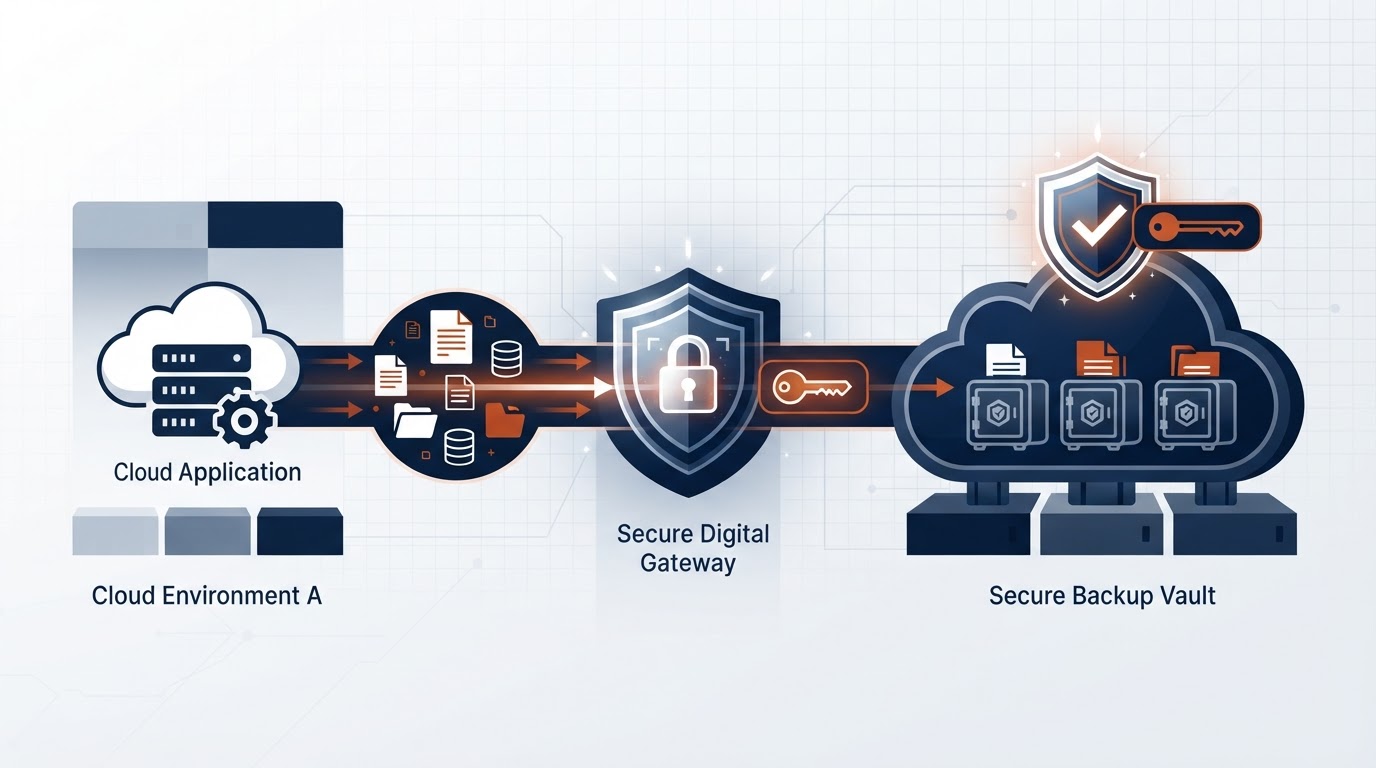
Second, copy the data to a separate, secure place. Do not leave your only backup in the service that will close. Open the backup and confirm that it contains the right files. If possible, test a restore before you need it.
Third, choose a new home for the applications. The right choice depends on how much work the app handles, how it was built, and the skills your team has. A good choice should be based on what the business needs, not just the lowest price.
Fourth, replace affected keys and passwords. Keep track of which applications use each key. Once a replacement works, revoke the old key. Review logs for unusual activity and ask a qualified security team to look at any signs of misuse.
Fifth, test the new service with real business tasks. Can staff sign in? Can customers send an order? Do forms and payments work? Does the app create the correct records? A successful test is more useful than a promise that everything should work.
Make a move without losing track of customers
Moving an app can change the address where it lives. Website links, automated emails, and other services may still point to the old address. Make a list of these connections before the move.
Plan how to handle new orders and changes while data is being copied. A temporary manual process or a short period when records cannot be changed may be useful. Make sure employees know which process to follow.
Choose a time when fewer people depend on the service. Tell staff who to contact if something fails. Decide how you will check that important records match before and after the move.
If you have a tested copy of the data, keep it safe after the move. Do not delete it just because the new app opens. Your team needs time to confirm that the work is complete.
What this means for every business owner
You may not use Rackspace Spot. But you probably use at least one cloud service. Think about email, shared files, accounting, online appointments, or a customer database. Could your staff keep working if one of those services were suddenly unavailable?
Ask your IT provider how you would retrieve your data. Does your plan include a backup outside the main service? Who knows how to use it? How long would recovery take?
A good backup plan is not just a folder full of files. It is a plan that has been tested. It should tell your team what to restore first and what to do while systems are offline.
You should also know who owns the cloud accounts. Business owners need a safe way to regain access if the person who normally manages the account is away. Keep that access secure and review it regularly.

Stay ready before the next outage
At Smile Global, we believe that a business should know where its data lives and how to recover it. Cloud services can make work easier, but they cannot replace a good recovery plan.
If you use Spot, verify the deadline and work with your IT team now. If you use another provider, take a moment to review your backup plan. Learn about our backup and disaster recovery services and cybersecurity services.
IT problems, call Smile before you lose yours.
Sources
BleepingComputer — November 24 report based on Rackspace's customer notice