Smile Global Cyber Watch | Research published November 23, 2026
Black Friday Phishing is a great time to look for a deal. You might be shopping for a new computer, a TV, or gifts for your family. You might also be buying supplies for your office. But what if an email about a sale leads to a request to sign in to your Microsoft account?
Be especially cautious during Black Friday Phishing season as attackers ramp up their efforts to deceive consumers.
Every year, Black Friday Phishing scams emerge, targeting unsuspecting shoppers looking for the best deals.
Black Friday Phishing schemes often trick users into revealing their credentials through false promotions.
Beware of Black Friday Phishing scams that can jeopardize your security this shopping season.
That is exactly the kind of trick security researchers are warning people about this week. The danger is not just losing money on a fake purchase. A scam can put your email, work files, and other important information at risk.
As the holiday shopping season kicks off, remember to be vigilant against Black Friday Phishing attempts that may occur.
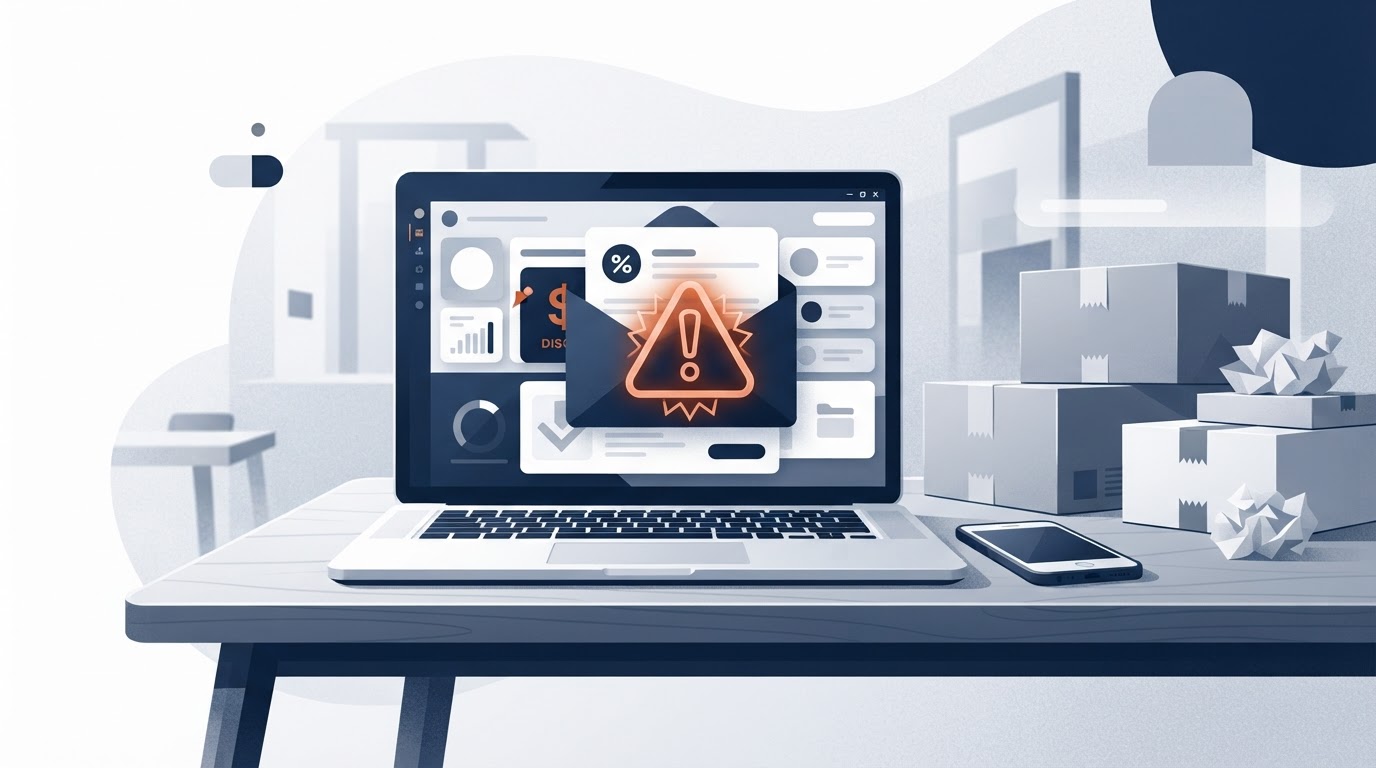
Table of Contents
What happened?
On November 23, 2026, researchers at the Cofense Phishing Defense Center published details of a Black Friday phishing campaign. They found an email in German offering early holiday deals. The offer led to an unexpected Microsoft device sign-in request.
The security team observed the campaign before publication, but did not give a precise start date or report how many accounts were taken over. There is also no evidence in this report that Microsoft's own sign-in system was breached.
A real sign-in page can still be part of a scam. See Microsoft’s guidance on limiting device code sign-ins for work accounts.
Why is this different from a fake password page?
A normal phishing email tries to trick you into giving away private information. You may have seen one that claims your account is about to close unless you click a link.
To counteract Black Friday Phishing, always verify the authenticity of email requests before responding.
This campaign uses a different approach. It tries to get you to approve access through a feature called device code sign-in. This feature can be useful when a device does not have an easy way to type your password. A television or a device in a meeting room may use a code so you can sign in from a separate screen.
The important point is that the code is tied to a particular sign-in request. If the request was started by someone else, you could be giving that person access instead of signing in to something you own.
That is why a real Microsoft website is not enough to prove that the request is safe. You need to know why the sign-in is happening and who started it.
A simple way to spot trouble
Imagine you are looking for a discount on a printer. The email promises a great price, but when you try to read the details, it says you need to sign in with your work account.
Ask yourself: why does a store need access to my work account just to show me a price? If you cannot explain why it is asking, close the page.
Every organization should be aware of the risks associated with Black Friday Phishing during this hectic time.
Watch for other warning signs. An offer may not name a real seller. A message may push you to act fast. You may be sent from one unfamiliar site to another. A page may ask you to approve a device you do not own or recognize.
None of these signs alone proves a crime has occurred. But they are all good reasons to check the deal through the store's official website rather than continuing from the email.
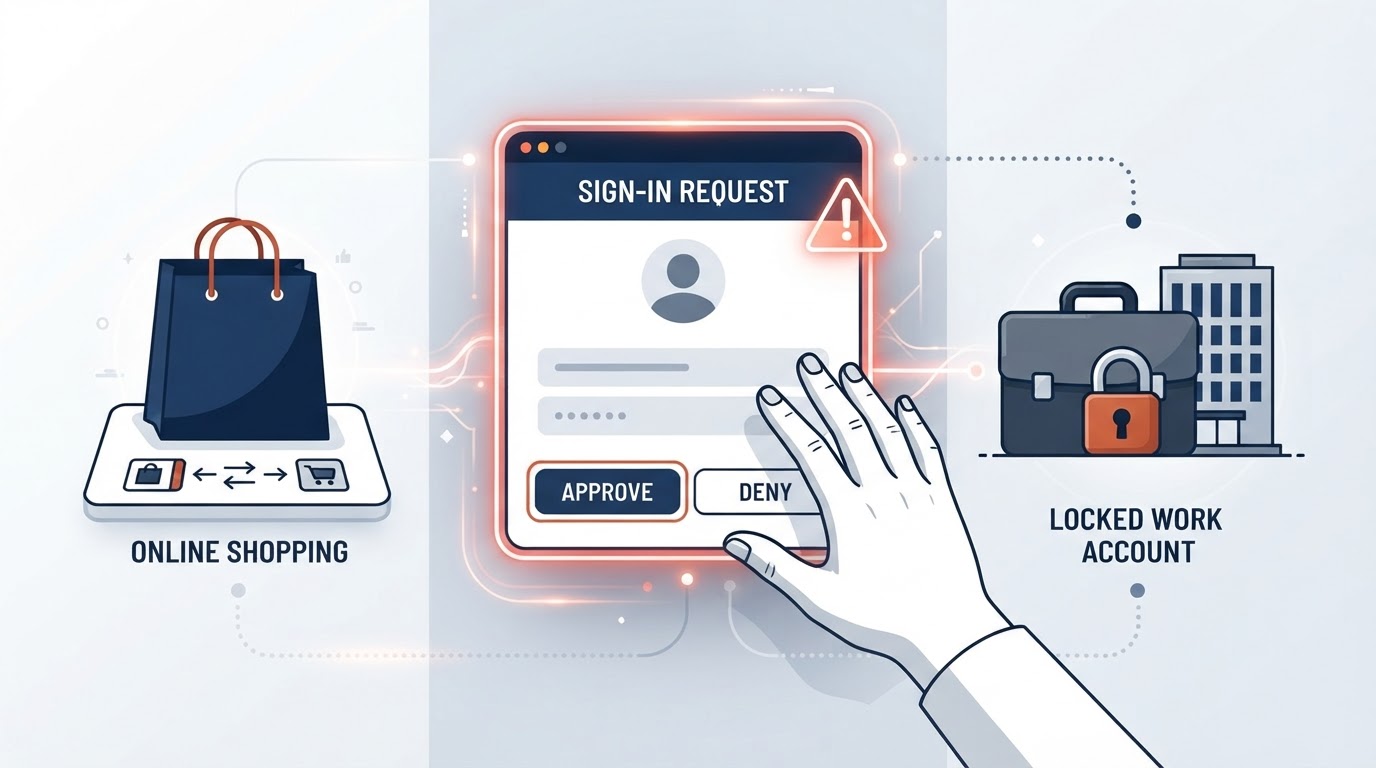
Even a simple mistake can lead to consequences from Black Friday Phishing; always double-check before clicking.
How could this affect a small business?
Think about the information your employees can see when they sign in to their work email. They may have access to invoices, contracts, customer details, or conversations about upcoming payments.
If a criminal gains access to an account, that person may be able to read some of those messages or send emails as an employee, depending on the access granted. A criminal could then try to mislead customers or request a payment to the wrong bank account.
Understanding Black Friday Phishing trends helps in creating better defenses against cyber threats.
Those are possible consequences of account compromise, not confirmed results of the Black Friday campaign. We do not know that any Ventura County business has been affected by this particular attack.
Still, a small business has good reason to prepare. Even a company with five employees has accounts that hold valuable information. One compromised mailbox can create hours of work for the owner and the IT team.
What about doctors' offices and other healthcare businesses?
A healthcare office may use Microsoft 365 to manage appointments, communicate with vendors, or share approved work documents. An unexpected sign-in request can put those activities at risk.
A member of the front desk staff may be busy taking calls and helping patients. That is not the best time to deal with a strange email. Give staff an easy way to report anything suspicious without having to solve the problem themselves. The same rule applies to phone calls: our guide to verifying unexpected IT support calls shows how to check who is asking.
By staying informed about Black Friday Phishing, you can help mitigate the risks associated with online shopping.
If an account is compromised, have your IT and privacy teams assess which systems and information could have been reached. A suspicious email does not automatically mean patient records were exposed. The facts need to be checked before reaching that conclusion.
Five good habits for shopping and working online
Shop directly. Open a store's app or type its known website address yourself. You do not need to follow a link from an unexpected promotion.
Keep work and shopping separate. Use your personal email for personal purchases. Avoid granting a shopping site access to your employer's accounts.
Approve only sign-ins you started. Do not enter codes or approve requests sent to you by a stranger, even if the screen looks familiar.
Business owners must remain vigilant about Black Friday Phishing to protect their sensitive information.
Don't underestimate the impact of Black Friday Phishing on your financial security during the holiday rush.
Use stronger account protection. Where supported, use passkeys or security keys and enable multi-factor authentication. These are important layers of safety, but they are not a reason to approve an unexpected device sign-in.
Tell someone. If a strange message arrives at work, use your company's reporting method or call your IT provider. You could help prevent another employee from making the same mistake.
What if you already approved the request?
Do not wait to see whether anything goes wrong. Contact your IT provider from a trusted phone number if the account belongs to your employer. Explain what you approved and when. Save the original email for the team to review, but do not click its links again.
For a personal Microsoft account, open the official Microsoft account recovery guide. Review recent activity and your security settings.
To safeguard your business, educate employees on recognizing Black Friday Phishing tactics.
Changing a password may not be enough if someone has been granted an active session. An IT administrator should review sign-ins, revoke access where appropriate, check mail forwarding and other account changes, and examine the services the user can reach. Microsoft provides guidance for revoking user access.
During the shopping frenzy, avoid falling prey to Black Friday Phishing by using secured websites for purchases.
Engaging with unfamiliar emails can lead to Black Friday Phishing incidents; always proceed with caution.
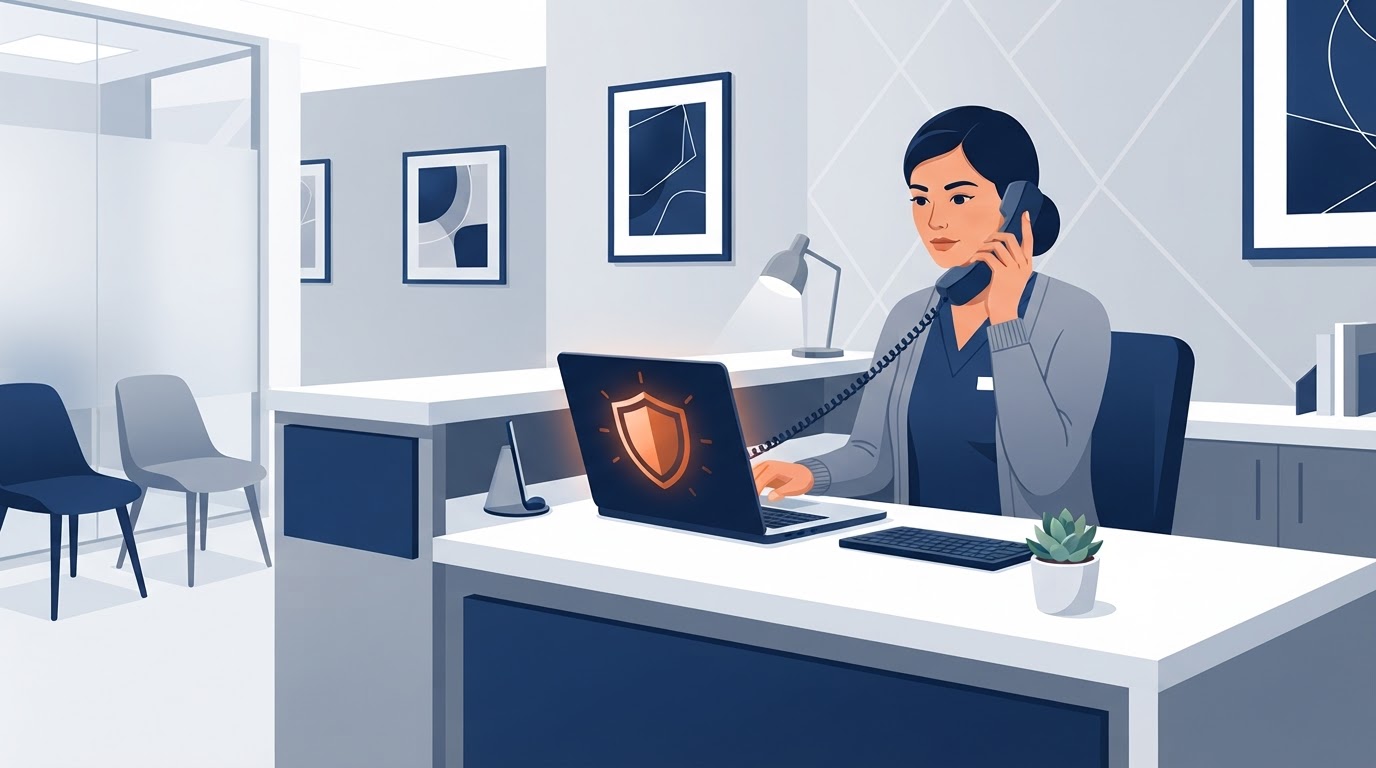
What can business owners do before Black Friday?
Ask your IT team to review whether your organization needs device code sign-ins at all. Microsoft recommends blocking it wherever possible. Ask IT to check for legitimate uses, such as meeting room equipment, and test changes before applying them.
Good email protection, clear reporting steps, regular staff training, and security monitoring can also help. Set up a separate payment verification process so an email alone is never enough to change a vendor's bank details.
Black Friday should be a time to find good deals, not to lose access to your business. Taking a few extra seconds to check an offer can make a real difference.
At Smile Global, we help Ventura County businesses protect their accounts, computers, and email. Learn more about our cybersecurity services. IT problems, call Smile before you lose yours.
Frequently asked questions
How can I check an unexpected Microsoft sign-in?
Open Microsoft from a bookmark or a trusted address instead of using the email link. If it’s a work account and you’re unsure, ask your IT team through its usual support channel.
What if I approved a request I didn’t start?
If it was a work account, tell your IT team right away. For a personal account, use Microsoft’s official account security page to review activity and follow its recovery steps.