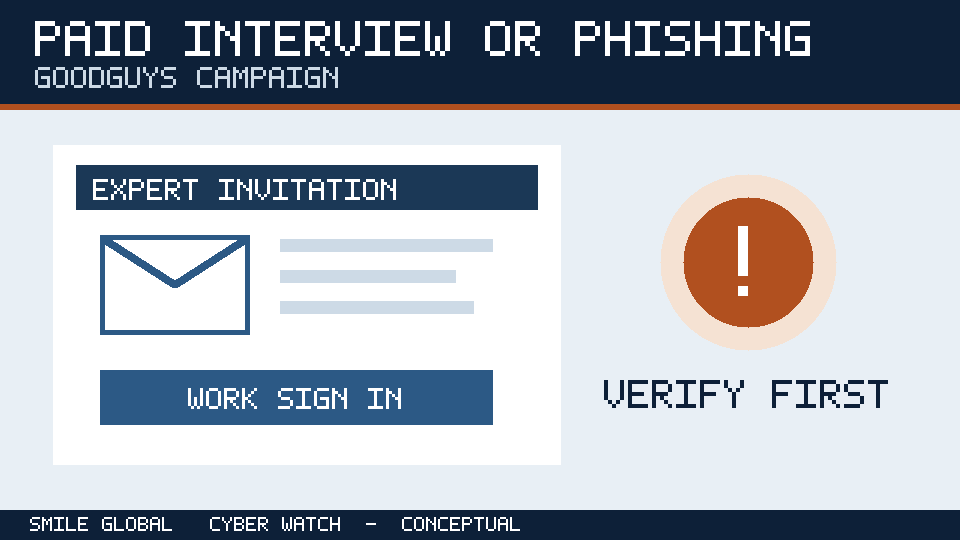
An offer to earn money by sharing your work experience can sound exciting. An email may invite you to join a paid interview or attend a private webinar. It may even look like it came from a company you know. Before you sign in with your work email, take a moment to check who really sent the invitation.
The GoodGuys phishing campaign uses this kind of offer to target business accounts. Push Security published its findings on November 20, 2026, and BleepingComputer featured the research on November 26. The researchers found fake pages that imitate trusted companies and work account sign-in screens. Here is what businesses can learn and how employees can respond safely.
Table of contents
- What happened in the GoodGuys phishing campaign?
- Why a paid interview can look real
- What does this mean for small businesses and clinics?
- How can you spot a fake paid interview invitation?
- What to do if you already entered your work password
- Frequently asked questions
What happened in the GoodGuys phishing campaign?
Push Security researchers first saw activity in October. In their November 20 report, they described invitations to paid interviews, feedback studies and business webinars. The names used in the invitations included Google Cloud, Accenture, Nvidia and other well-known companies. That does not mean those companies were responsible for the messages or that their own networks were breached.
The researchers found fake Google sign-in pages designed to collect information from people using work accounts. They also found imitation Okta sign-in code. Okta is a service many companies use to help employees sign in to work applications. The researchers did not establish the total number of successfully compromised accounts.
Push Security named the campaign GoodGuys after a label its researchers found. The practical concern is that a familiar company name and a polished invitation can make a fake request seem credible.
Push Security disclosed the campaign on November 20. The November 26 coverage reported on that research, not on a separate breach.
Why a paid interview can look real
Think about a person who works in purchasing or manages a medical office. They receive a message asking for feedback about a product they use. The sender offers payment for their time. The invitation sounds related to their job, so it may seem more believable than an email about a prize they never entered.
An attacker does not need to send a message full of spelling mistakes. A message can use good grammar, a familiar company name and a professional layout. The research also describes abuse of legitimate email and event services. A familiar sender service is not enough to prove that an invitation is safe.
The point at which the invitation asks for work account access is especially important. A real interview might need your name and a way to schedule a call, but an unexpected request to sign in deserves a closer look. Do not approve a sign-in just because you want to reserve a meeting time.
What does this mean for small businesses and clinics?
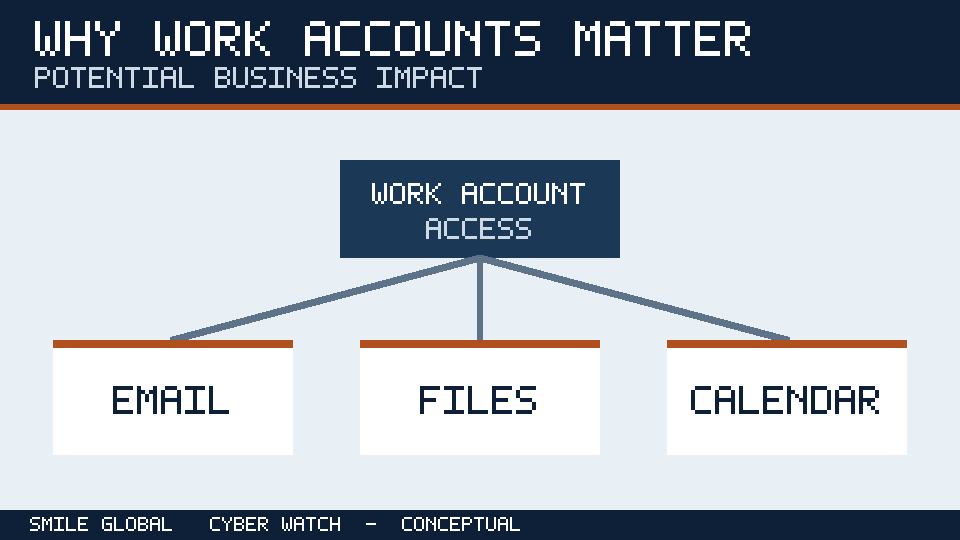
A work account can open the door to more than an inbox. Depending on its permissions, the account may be able to reach shared documents, calendars, customer records and other business tools. Access to one person's email can also help a criminal send a convincing message to a coworker.
For a healthcare practice, the same concern applies to scheduling and billing staff. A compromised account may contain private information or provide access to approved work systems. That does not mean that patient data was stolen in the GoodGuys campaign. It is an example of why every clinic needs a clear way to protect work accounts.
A small business may not have someone watching security alerts around the clock. Staff should know who to contact if an email looks odd. They should also know that it is acceptable to delay an invitation while the sender is checked. A short delay is much easier to handle than the loss of a work account.
How can you spot a fake paid interview invitation?
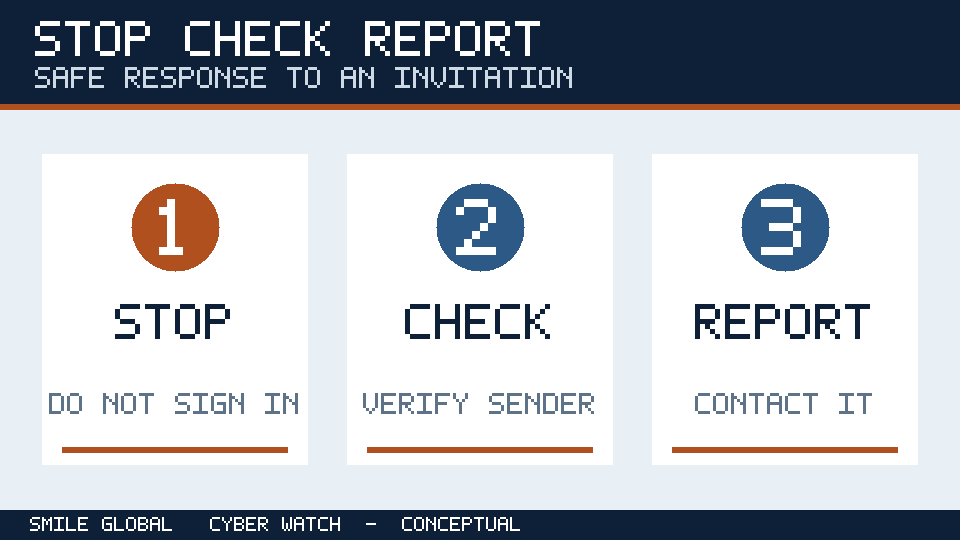
Check the invitation without using the link inside it. Find the company through its known website or contact a person you already know at the organization. If you have an existing relationship with the sender, use a separate, trusted way to confirm the request.
Look closely at what the message asks you to do. Be cautious if an unexpected invitation requires your work password or a sign-in approval. Do not send a verification code to another person. If the offer includes a payment, confirm the terms through the real organizer before sharing any financial information.
Open work applications from your normal bookmark or company portal. If a page claiming to be Google or Okta looks different from your usual sign-in process, stop and ask IT to check it. A familiar logo is easy to copy. A password manager that refuses to fill your password on an unfamiliar site can also provide a useful warning.
Ask your IT team about phishing-resistant sign-in, such as passkeys or security keys. These sign-in methods can help prevent certain types of phishing by checking the website where you are signing in. They are an important layer of protection, but they do not replace careful handling of invitations and other requests.
What to do if you already entered your work password
Report the event to your IT support team right away using a known phone number or help desk. Tell them what you clicked, what information you entered and whether you approved a sign-in. Save the original message for review. Do not keep clicking the invitation to see what happens.
Your IT team may need to reset your password, end active sessions and check account settings. It should review recent sign-ins, connected apps and any unexpected changes to email forwarding or recovery information. Changing a password alone may not end every form of access.
Google provides a useful guide for investigating suspicious account activity. For a work account, follow your organization’s security process as well. If the account had access to private business or patient data, the appropriate privacy and security staff should assess what was actually affected.
Managers can make reporting easier by treating a prompt report as helpful rather than embarrassing. A team that reports a suspicious message early gives its IT staff a better chance to limit damage. Consider using examples of interview invitations in regular staff awareness training. For a related example, see how a voice phishing call can put a work account at risk.
Frequently asked questions
Are all paid interview invitations scams?
No. Real research companies sometimes pay people for their time. Verify the organizer independently before sharing details or signing in with a work account.
Does GoodGuys mean Google or Okta was hacked?
The research describes fake sign-in pages targeting users of those services. It does not establish a breach of Google or Okta itself.
Can I trust a message sent through a familiar email service?
Not by that fact alone. The researchers found abuse of legitimate delivery services. Check whether the request makes sense and confirm the sender separately.
What if I entered my password but did not approve a sign-in?
Report it anyway. Your password may have been exposed. IT can check the account and determine which actions are needed.
A paid opportunity should not require you to put your work account at risk. Verify the invitation, use your normal sign-in process and report anything unusual. A few simple habits can help protect the information your business depends on.