Smile Global Cyber Watch | November 24, 2026
Your firewall helps keep unwanted traffic away from your office. It is an important part of your business security. But what happens when someone targets the tools that your IT team uses to manage that firewall?
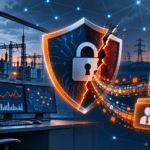
On November 23, researchers at GreyNoise reported attacks targeting Check Point Security Management Servers. Their findings show why the systems that protect our networks also need strong protection of their own.
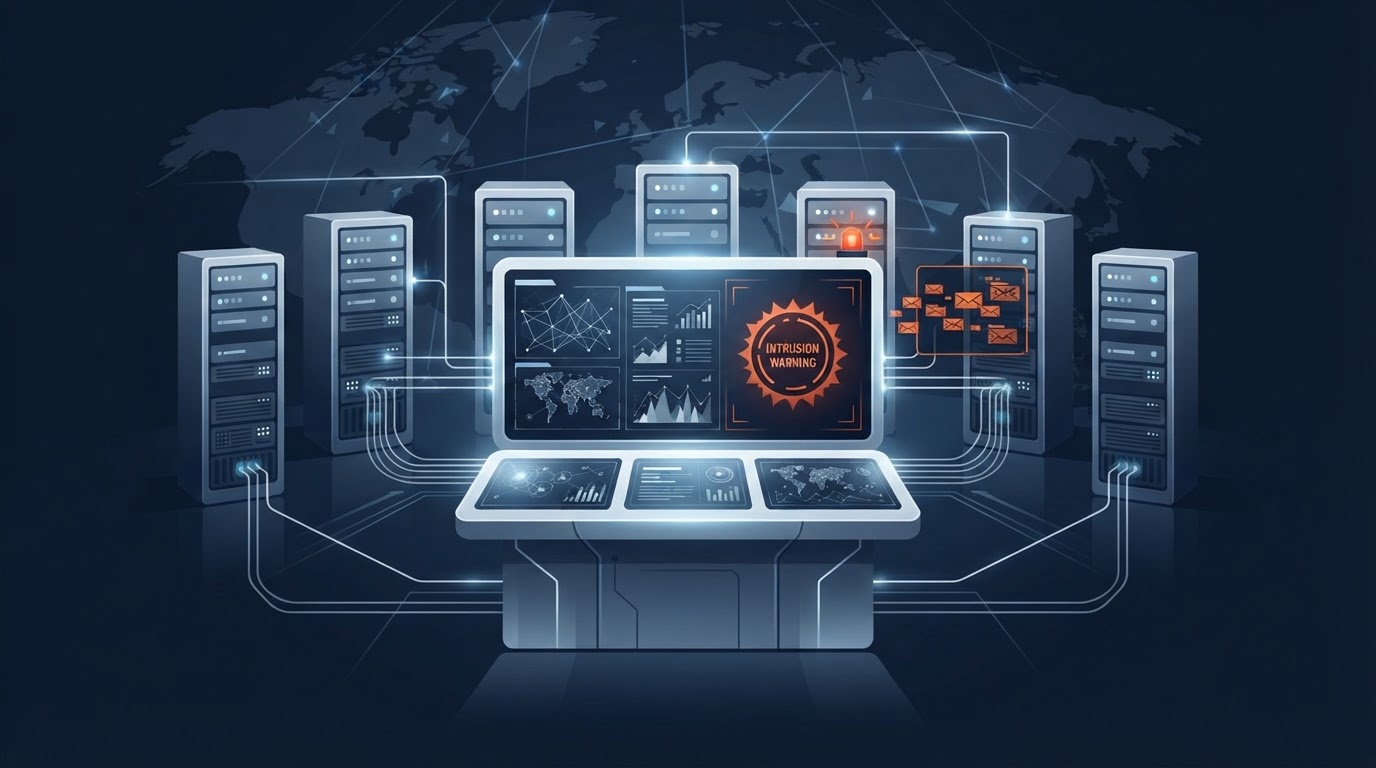
What the researchers found
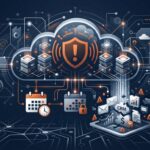
GreyNoise observed attacks between October 17 and November 2, 2026. The team linked the campaign to at least 22 different organizations. Affected organizations had assets across 17 countries, including the United States.
Researchers found stolen data and command results from 24 management servers. That is a count of servers, not a count of separate companies. The affected organizations worked in several fields, including finance, manufacturing, energy, and government.
The team also saw attempts to reach other systems. Researchers believe that AI tools and automation may have helped the attackers, but they could not confirm the identity, country, or motive of the group. Their direct view of the attacks ended on November 2. They believe the campaign may still be active.
What is a security management server?
A firewall checks traffic entering and leaving your network. A company may have one firewall in its main office and another at a second location. A management server helps its IT team review rules and make approved changes from one place.
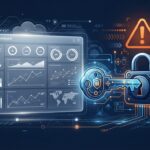
Imagine a key cabinet in a large building. One key opens one room. The cabinet holds keys to several rooms. If someone gains control of the cabinet, they may gain access to much more than a single door.
A management server can play a similar role. It can hold useful information about several devices and the rules that protect them. That is why it deserves careful access controls.
This does not mean every Check Point firewall was compromised. The research concerns a specific campaign against management servers. A business should check its own equipment rather than assume it was affected.
Why this can matter to your business
A company may keep its customer records on a server. It may also run software for payroll, shipping, or patient appointments. These systems may rely on network rules to keep them away from the public internet.
If a person gains unauthorized access to a tool that manages security rules, that person may learn how the network is built. Some attackers may try to change settings or move to other systems. The actual result depends on the access they get and the protections already in place.
A firewall is not a substitute for protecting every device and account. Good protection includes secure management, safe sign-ins, monitoring, and a recovery plan.
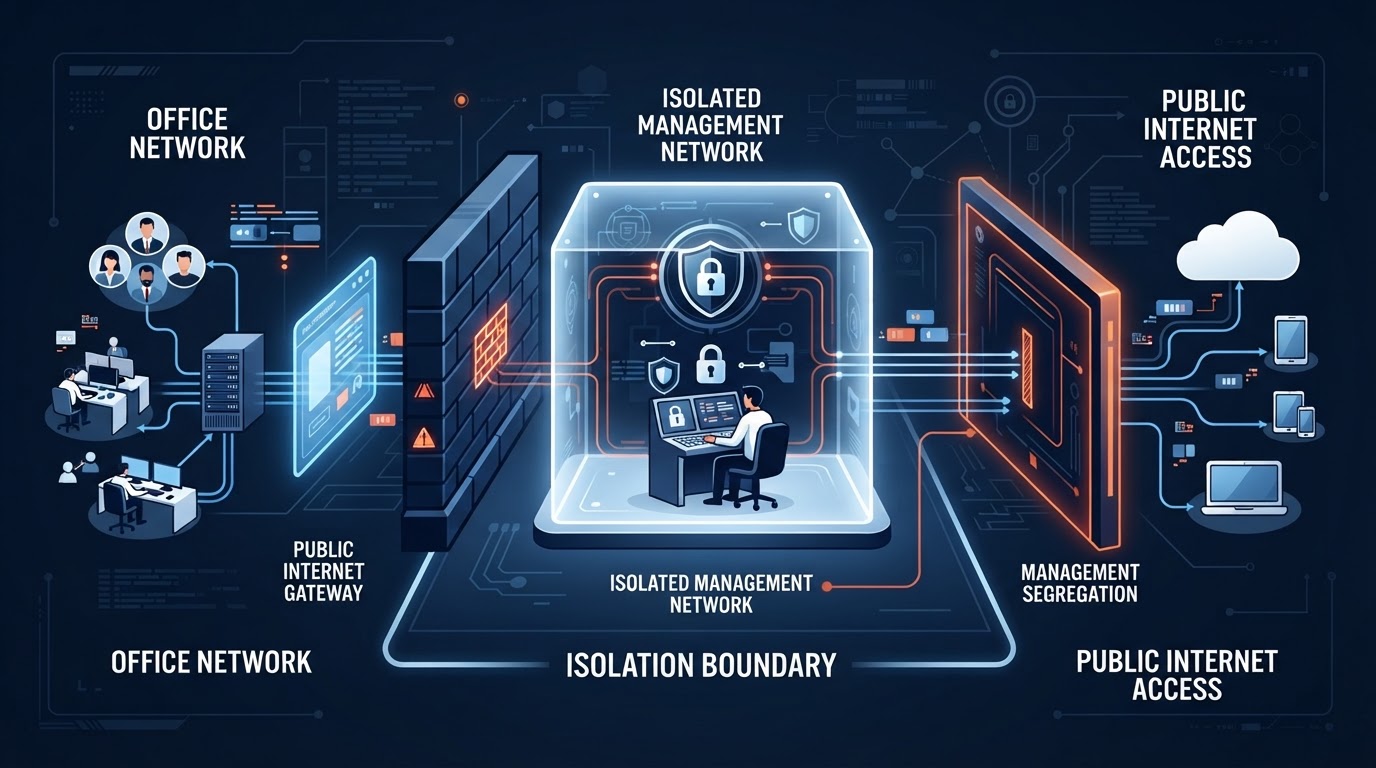
Keep the control panel away from unnecessary access
Ask your IT provider who can reach your firewall management tools. Are they open to the public internet? Can anyone in the office reach the control panel? Is a protected connection required?
A team may use a separate network for management or a protected remote connection. The goal is to make important tools available to the right people without making them easy to reach from other devices.
The same access questions apply to remote support. Our ScreenConnect coverage explains what to ask your IT provider about the tools its technicians use.
Give administrators separate accounts for their security work. A person who reads email should not need the same rights as the account that changes firewall rules. Remove old accounts when staff or vendors leave.
Use strong sign-in protection where the system supports it. A physical security key or another phishing-resistant method can help reduce the risk of a stolen password. Make sure there is a safe recovery process for a lost key.
Check updates on both devices and management servers
One common problem is assuming that a firewall update also updates its management server. They may be separate systems with different versions and maintenance plans.
Make a list of the devices and systems you use. Find out when they were last updated. Review current vendor notices with your IT team and install the correct fixes for each product.
Plan changes carefully. Keep a safe copy of the settings before a maintenance visit. Check that business services work after the update.
Review the logs for changes that staff do not recognize. Who made a new rule? Who added an administrator? Was a remote connection expected? These are useful questions when your team looks for unusual activity.
If you believe an attacker already has access, an update alone may not remove that access. Involve qualified security staff. They can help review logs, preserve evidence, and determine whether credentials or settings need to be replaced.
A simple review for small business owners
You do not need to be a network engineer to ask good questions. Start by finding out who manages your firewall. Ask when the last review took place and whether there is a written list of the equipment.
If your business has several offices, make sure someone knows which device belongs to each location. Keep the model, software version, and support details available to the people who need them.
Ask where the recovery copies of your firewall settings are stored. A copy saved only on the affected device may not help if that device fails. A protected backup can help your team get back online.
Ask whether changes are recorded and approved. This may sound simple, but a good record helps staff know what a normal network looks like.
Finally, ask who will respond if an alert appears after business hours. The answer should be clear before you need help.
What the story tells us about changing threats
Attackers do not always begin with a suspicious email. They may look for a weakness in software or a device that is exposed online. They may use automated tools to search many targets.
This is why a regular care plan matters. A business cannot rely on employees to notice every technical problem. It needs safe settings, current software, and people who can review alerts and take action.
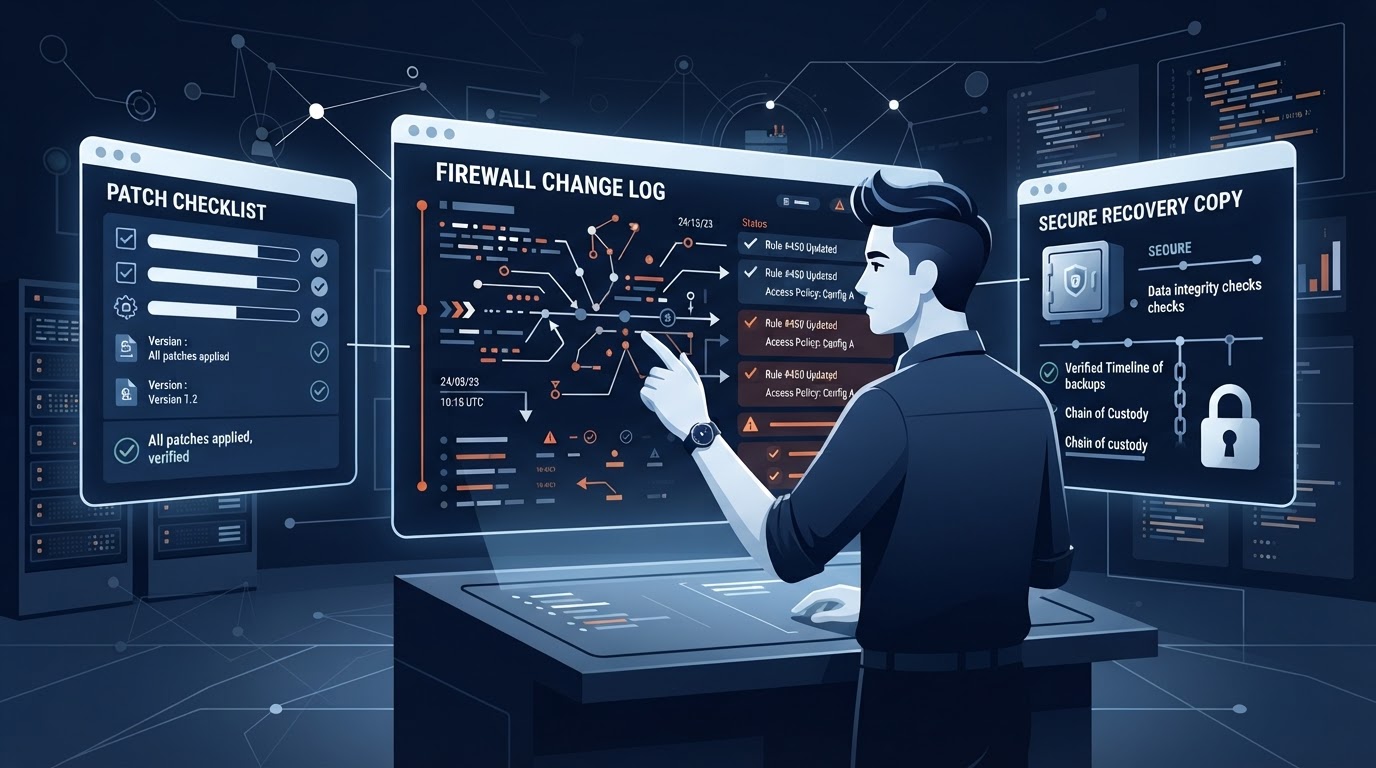
Keep the tools that protect you safe
At Smile Global, we encourage businesses to review the full network, including the systems that manage it. A good security plan includes the firewall, the people who maintain it, and the way changes are made.
Whether you use Check Point or another brand, ask your IT provider about management access, updates, safe backups, and monitoring. Visit our cybersecurity services or managed IT services to learn more.
IT problems, call Smile before you lose yours.