
Smile Global Cyber Watch | November 24, 2026
Your business may use a service to protect its website. That service may send records of security events to your own cloud storage. To do its job, it may need a key that allows it to reach your account.
What happens if someone else gets that key? A report about Radware, a provider of cloud security services, offers a useful lesson about the trust we give outside companies.

What was reported?
On November 24, BleepingComputer reported on an internal Radware incident analysis provided by an unnamed source. The analysis described unauthorized access on November 19, 2026.
According to the report, the incident involved an internal management interface for a web application firewall, known as a WAF. A WAF helps protect websites by checking the traffic they receive. The internal interface could reportedly be reached online without a required sign-in.
The report says Radware blocked the access and replaced internal credentials. Some contact details and keys used to send security logs to customer storage may have been exposed. The possible impact includes certain customers using Amazon S3, Azure Blob Storage, or SFTP.
The analysis said website protection continued to work. It reported no evidence of exposure of customer website traffic, certificates, or end-user data from this incident. The company was still checking whether the exposed credentials had been misused.
At the time of the report, Radware had not issued a public statement confirming all of the details. We should keep that limit in mind.
What are security logs?
A security log is a record of events. It might show the time a person signed in, when a website request was blocked, or when a setting changed. IT staff use these records to find problems and understand what took place.
Many businesses choose to save logs in a storage account they own. A service provider needs permission to put those records in the right place. It might use a digital access key to do that work.
Think about a delivery person who has a key to a storage room. You want that person to drop off a package. You do not necessarily want that same key to open your office, customer records, or other rooms.
A cloud access key should work in much the same way. Its rights should match the job it needs to do.

Why the rights on each key matter
If an attacker gets a key, the next question is what that key allows. Does it open one folder? Can it read old files? Can it delete them? Can it reach other storage locations?
A key with broad rights may create more risk than a key used for a single task. A business that knows the rights assigned to its keys can make better decisions during a security incident.
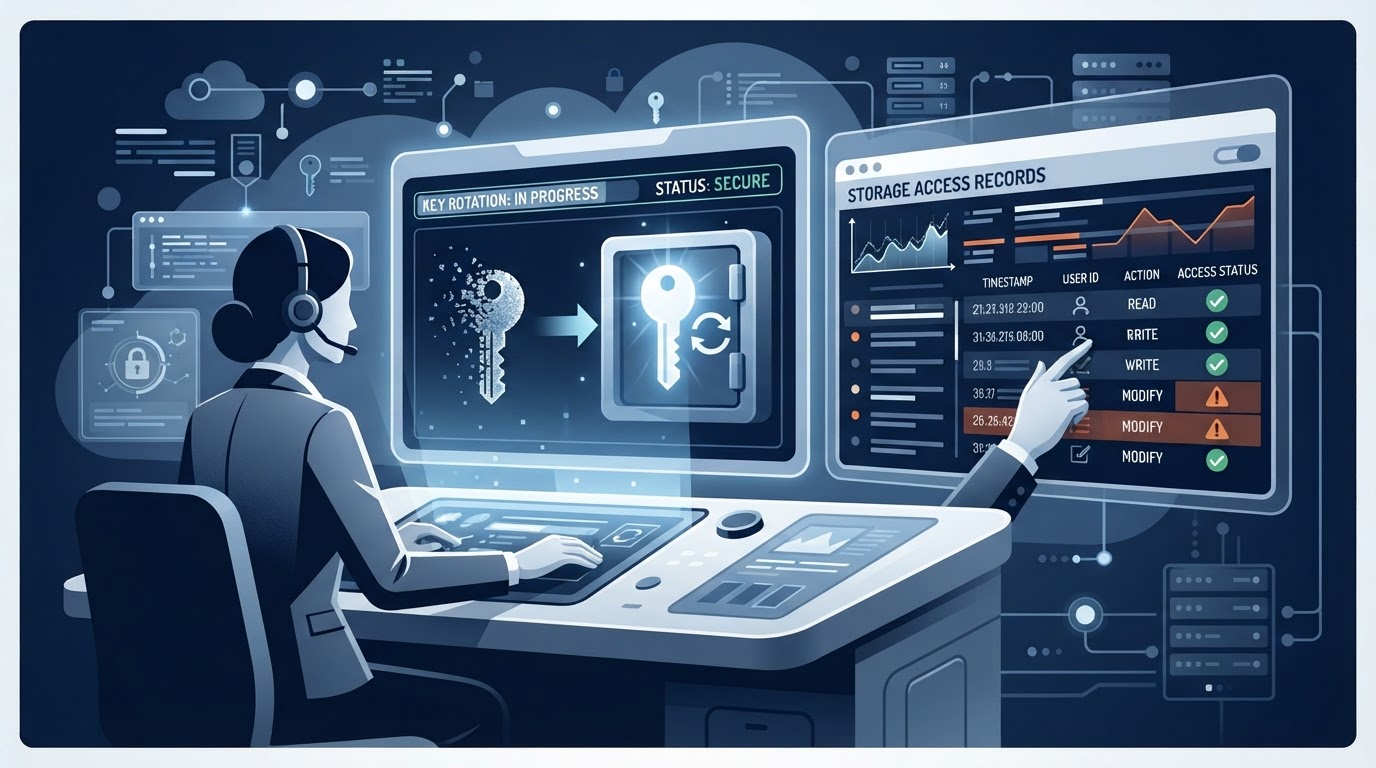
The reported Radware analysis advised affected customers to replace the credentials used to export logs and review storage access records dating back to at least November 19.
Do not assume that all Radware customers were affected. If you received a notice, use a trusted company contact to verify which feature and account are involved. Have your IT team review your actual setup.
How to replace an access key safely
Start by finding the key that is used by the service. Find out who owns it and which storage location it opens. Ask whether other tools rely on the same key.
Create a replacement through the approved account. Give it only the rights required for the task. Update the service so that it uses the new key.
Check whether new security logs arrive as expected. When the new connection works, disable the old key. Keep a record of the change and the date.
Review the storage logs for actions that you do not recognize. Ask your IT team to look for access from unexpected locations and changes to storage settings. If something looks wrong, preserve the records and get help from a qualified security team.
This process may differ between providers. Your team should follow the provider's current directions. The important point is not to leave a potentially exposed key active.
What if your business uses another cloud provider?
You can use the same lesson for almost any business that relies on outside services. You may have a tool that sends invoices, copies files, or creates backups. Each tool may have access to other systems.
If a provider is also shutting down a service you rely on, our Rackspace Spot shutdown checklist explains what to back up and test before you move.
Make a list of the services you use and what they can reach. Do not write actual secret keys in an ordinary shared document. Record the name of each service, its purpose, the person responsible, and where its secure credentials are managed.
For another example of why this matters, see how GlobeTopper responded after customer integration keys were exposed.
Check whether a former vendor still has access after your company stopped using its services. Remove access that is no longer needed. Where supported, consider credentials that expire after a short time rather than keys that remain valid for years.
Keep important cloud storage private unless there is a real business reason for public access. Set useful alerts for changes and unusual access. Make sure someone knows what to do with those alerts.
A question to ask before buying a new service
When a company asks to connect to your cloud account, ask what it needs to do. Will it read data, create files, or change settings? Can you limit access to a single storage location?
Ask how you can remove the connection later. Find out whether the service can use a temporary credential rather than a long-term key.
Also ask what happens if the provider reports a security incident. How will you know which accounts are involved? Who will help you replace the key? Where can you find a record of previous access?
These are fair questions. A trusted business partner should be able to help you understand the access it needs.
Protect your business without making work harder
At Smile Global, we believe good security should help your team work, not create needless trouble. Limiting access to the right task is a practical way to reduce risk without stopping the services your business needs.
The Radware report is a reminder that even services built to protect businesses can face security problems. It does not prove that every customer lost data. It gives business owners a reason to review the access they grant to other companies.
Learn more about our cybersecurity services and ask your IT team to help you review your cloud access.
IT problems, call Smile before you lose yours.
Sources
BleepingComputer — November 24 reporting based on a privately shared Radware incident analysis