Smile Global Cyber Watch | November 25, 2026
Imagine that your business has a report due today. Your team has prepared it, but part of the online service you need is not working. You do not know how long the problem will last. Do you wait, send the report another way, or ask for help?
That is the kind of problem a cyber incident can create, even for a business that was not directly attacked. On November 24, 2026, the U.S. Treasury's Financial Crimes Enforcement Network, known as FinCEN, disclosed a security incident. The agency took some systems offline to limit risk.
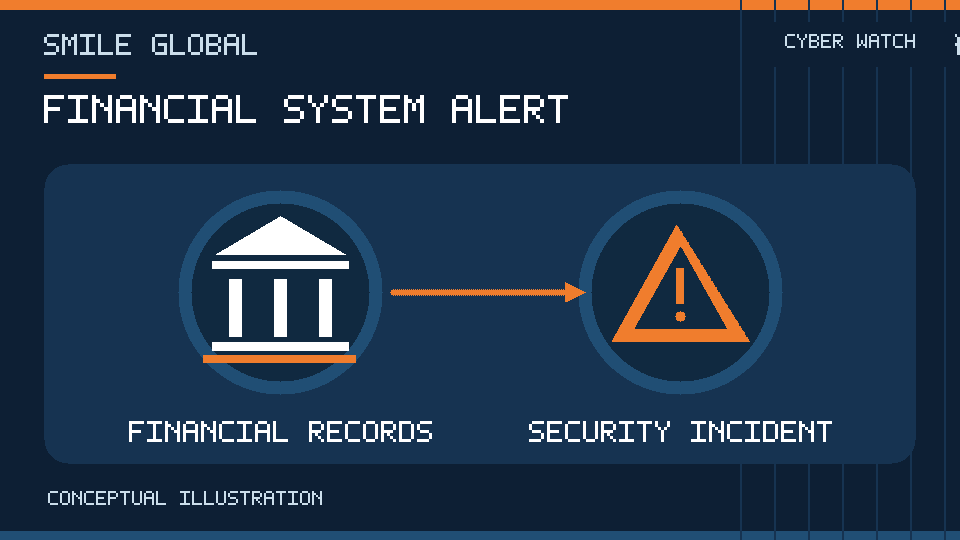
Table of Contents
What happened in the FinCEN cybersecurity incident?
FinCEN helps protect the financial system from crime. Banks and other financial institutions use its services to send required reports. On November 25, ABC News reported that an alert on the agency's electronic filing site confirmed unauthorized access to a limited part of its systems.
The agency said its main electronic filing website was still working, but some services might be unavailable. The agency removed some systems from service as a precaution while it investigated.
As of November 25, the public reports reviewed for this story did not establish when the intrusion began, who carried it out, or what information, if any, was copied. It would be wrong to say that every bank report was stolen or that all bank accounts were affected.
On November 24, FinCEN also issued an order giving certain filers more time to submit required reports because of a service disruption. The order does not identify the cause of that disruption. We should not assume that every service problem has the same cause.
Why does a financial reporting system matter?
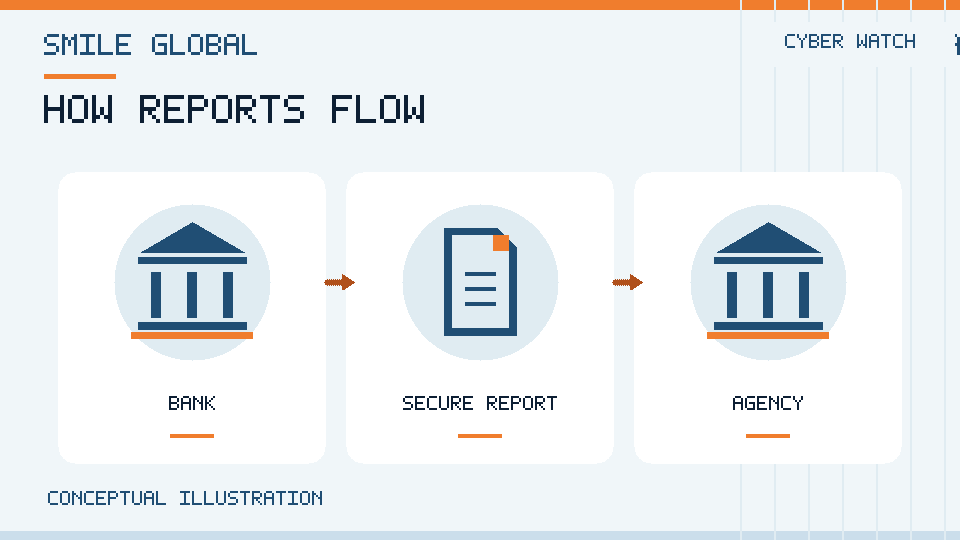
Most people work with their own bank rather than with FinCEN. Banks have duties that include keeping records and reporting certain kinds of financial activity to the government.
Think about an office that prepares reports every week. A staff member collects the information, another person checks it, and an approved account sends it to the correct service. If one of those steps stops working, the office still needs to protect the records and keep track of its work.
The same idea applies to a financial institution. These reports may contain private information. The staff who handle them need to know how to keep that information safe, even when the normal process is interrupted.
What does the November 24 filing order say?
FinCEN's official order FIN-2026-R002 offers temporary relief for specific filers. For those covered by the order, certain reports normally due from November 18 through December 29, 2026, can instead be submitted by December 30, 2026.
The order includes financial institutions that used Secure Data Transfer Mode, a method of sending reports, as of November 18. It also covers qualifying companies with beneficial ownership reporting duties and individuals who must update a FinCEN identifier.
Other applicable duties, including monitoring suspicious activity, still apply. This is not a deadline extension for every business or every filing. If you are responsible for these reports, review the order and speak with your compliance adviser. Check the official notice for any later changes.
What should a business do when a service goes down?
First, confirm the problem through a trusted source. Use the provider's known website or a phone number you already have. A message from an unknown sender claiming that a service has been attacked may be a scam.
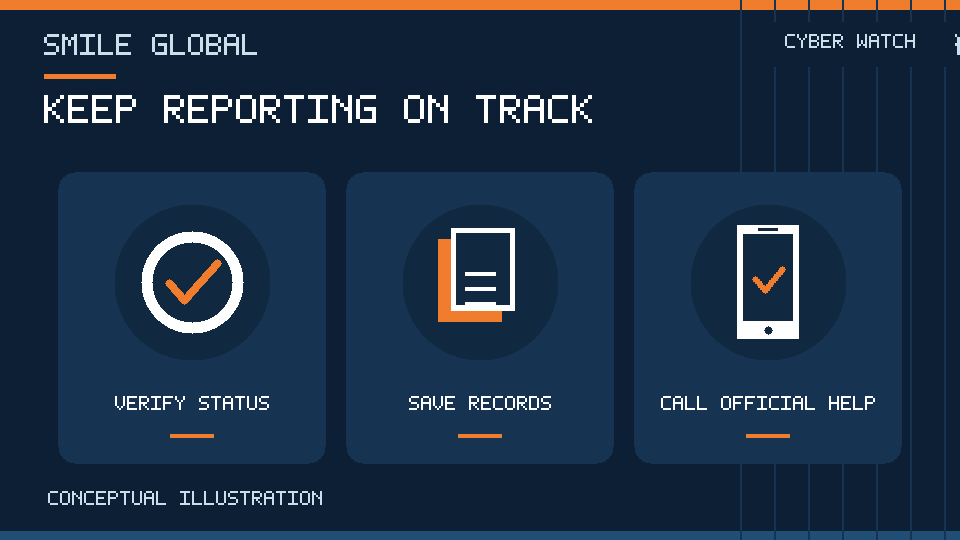
Next, keep your work secure. If your office cannot submit a report, save the approved copy in its usual protected location. Record when you tried to send it and any error message that appeared. Avoid sending private files through an unapproved email account or file-sharing service just to meet a deadline.
Check who needs to know about the problem. Your staff may need to speak with a manager, the service provider, or an adviser. Write down the next action and assign someone to follow up. That way, the work is not forgotten when service returns.
When the service is available again, review your pending tasks. Check that reports went to the right place and that you have a receipt or other confirmation when one is provided. Avoid sending the same report twice if you are not sure whether the first submission worked.
Watch out for fake messages during an incident
News about a government cyber incident can give scammers an excuse to contact people. They may claim that a bank account needs to be verified or that a report needs to be sent again. They may ask for a password, a sign-in code, or a copy of a private record.
There is no evidence in the reports reviewed that these scams resulted from this particular FinCEN incident. But it is a good time to remind staff and family members how to handle an unexpected message.
Do not click a link simply because it uses the name of a government agency or bank. Open the website yourself. If a caller asks for a sign-in code, end the call and use a trusted contact number. A real support process should not depend on you handing an unknown caller control of your account.
If you have already shared private information with someone you do not trust, contact your bank or IT support team using a known number. Ask for help securing the affected account. Keep the suspicious message for review.
What can every small business learn?
A cyber incident at a company you rely on can affect your work even if your own systems are protected. That is why business continuity matters.
Make a list of the services your office needs each day. Include email, accounting, payroll, customer records, and other tools that may be important. Ask what happens if each service is not available for a few hours or several days.
For each important service, choose a person who can check its status. Make sure your business has access to its own records and knows how to recover them. Keep useful copies in a secure location, and test your recovery plan.
Use strong sign-in protection, keep software up to date, and limit access to sensitive records. Have a clear process for staff to report suspicious messages or unexpected changes. These steps do not guarantee safety, but they can help reduce the risk of an incident turning into a much bigger problem.
Be prepared before the next incident
The FinCEN incident is a reminder that trusted services can face security problems. We do not yet know the full effect of this event. We do know that a business benefits from clear instructions, secure records, and a plan for keeping work on track.
At Smile Global, we help Ventura County businesses review the tools they rely on and plan for unexpected interruptions. Learn about our cybersecurity services and backup and disaster recovery services.
Frequently asked questions
Did FinCEN say the main filing site was down?
No. The agency said the main electronic filing site was operating, though some services might be unavailable. Check FinCEN’s official updates for the service you use.
Does the November 24 order apply to every filing?
Don’t assume that it does. Have your compliance lead check the order against your specific report and keep a record of any filing attempts.
Sources
ABC News, November 25: FinCEN reports unauthorized access to some systems.
FinCEN, November 24: Official notice of temporary filing relief.
FinCEN Order FIN-2026-R002: Eligibility, dates, and reporting requirements.