Many people use a password manager because they want a safer way to store passwords. So when a company that provides that service reports a security incident, the first question is natural: are my passwords safe?
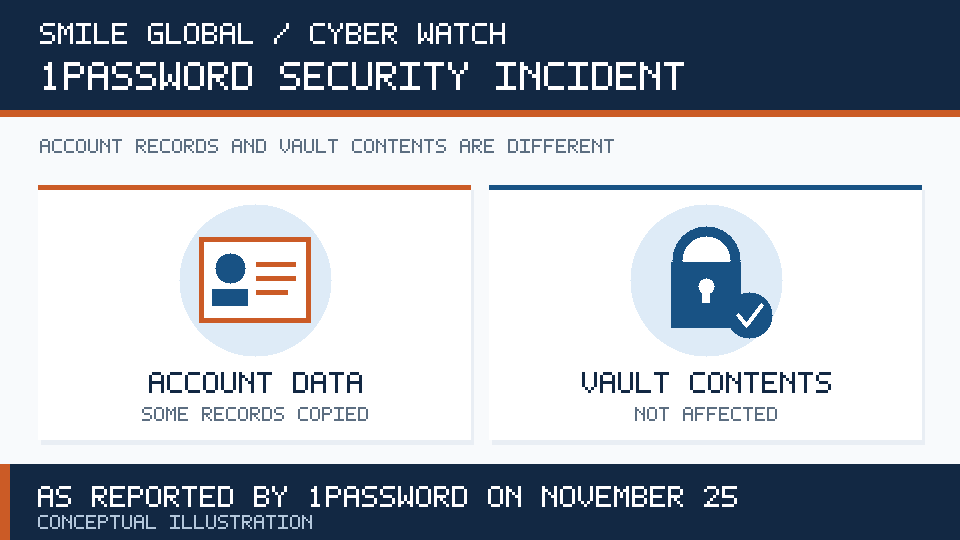
On November 25, 2026, 1Password published an update about unauthorized access to some of its internal systems. The company said some customer account information was copied, but its investigation found that the contents of customer vaults and the keys that protect them were not affected. That difference matters. Knowing exactly what was exposed helps you make a sensible decision instead of reacting to a frightening headline.
In this article
- What happened in the 1Password security incident?
- What is the difference between account data and a password vault?
- Why stolen contact information still matters
- What should businesses using a password manager do?
- Should you stop using a password manager?
- Frequently asked questions
- Take the next step
What happened in the 1Password security incident?
In its official November 25 security update, 1Password explained that it began investigating on November 19. An attacker had accessed a staff member's company GitHub account. GitHub is a service that organizations use to manage software code. The company says the intruder then reached internal code and systems and copied certain customer account records.
The company reported exposure of some users' names, email addresses, account identifiers and other account information. It also disclosed that certain invitation and recovery link tokens were involved. According to 1Password, those tokens did not provide account access on their own. A separate sign-in or verification step was required.
1Password said it blocked the unauthorized access, rotated internal credentials and brought in outside security experts to review the response. It reported that services were operating normally and that it had not found evidence of customer account takeovers related to the exposed provisioning tokens. The company did not publish a total number of affected customers in that notice.
What is the difference between account data and a password vault?
Think of a safety deposit box at a bank. The bank needs to know who has an account and how to contact that person. The information kept in its customer records is different from the private contents of the box. A password manager works differently from a bank, but the comparison helps explain why these are separate types of information.
Account data helps a service manage people, subscriptions, sign-ins and support. A password vault contains the sensitive entries a user saves, such as passwords, secure notes or other secrets. A provider may need some information about your account without being able to read the private contents of your vault.
1Password says it does not store the customer's account password or Secret Key and that the incident did not affect vault contents, vault protection keys or the password manager apps. Its customer community announcement repeats this distinction. These are the company's findings as of its announcement, not an independent guarantee about future developments.
Why stolen contact information still matters
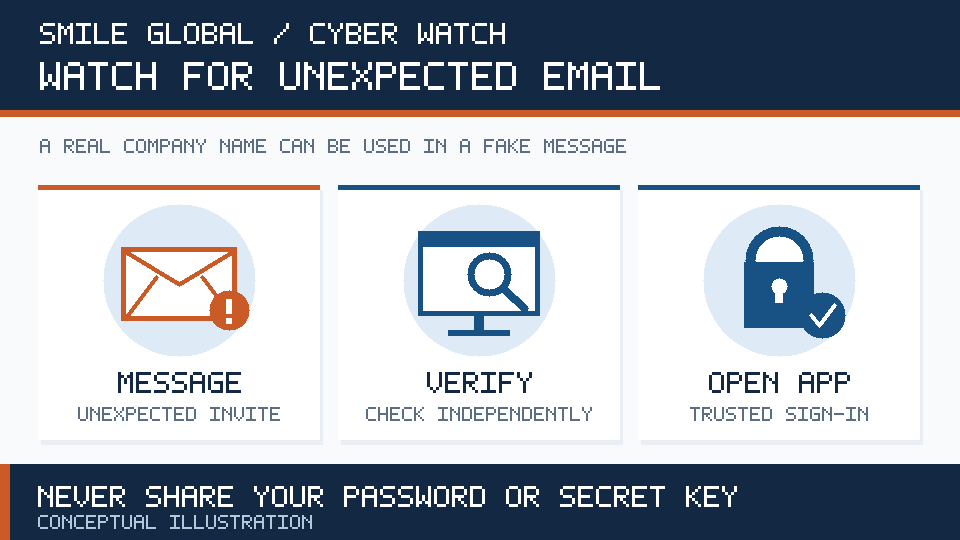
If a criminal knows your name and email address, a fake message may feel more personal. The criminal could pretend to be a company you already use or claim that an urgent security update is required. A person may recognize the company name and respond without taking time to check the message.
A business password manager is an especially sensitive target for this kind of deception. Imagine an employee receiving an email saying their company vault will stop working unless they confirm a sign-in. The email may contain a familiar logo and a button. Those details alone do not establish that the message came from the real company.
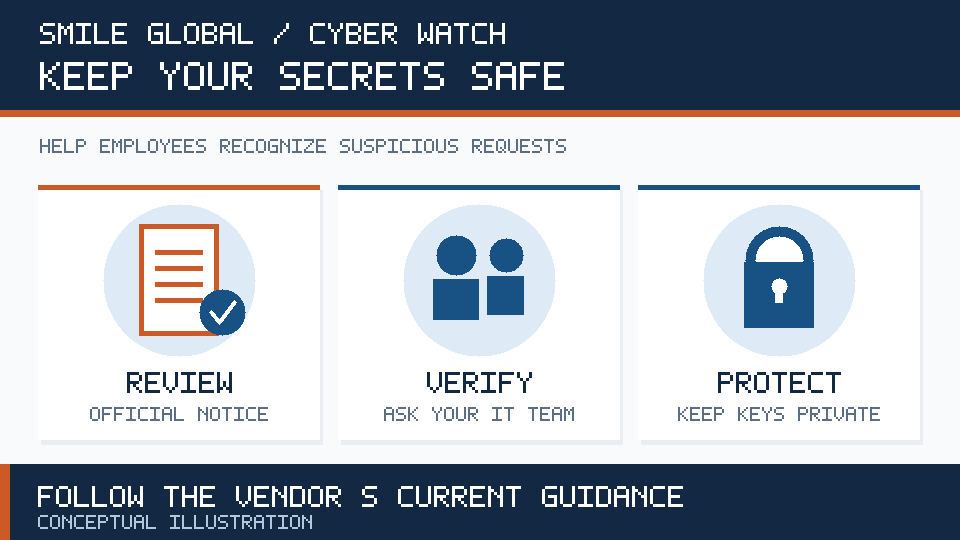
The better response is to open the official password manager app or type the known website address yourself. If the message concerns your work account, confirm it through your company's established IT contact. A trustworthy support process should not require you to send an account password or secret key in an email, text or unexpected phone call.
Our earlier article about voice phishing offers similar advice for suspicious phone calls. A familiar name is not a substitute for checking who is actually asking for access.
What should businesses using a password manager do?
The company's notice says customers do not need to change their accounts as a result of this particular incident. Business administrators should read the official update and follow any specific instructions that apply to their organization. Avoid mass password resets based only on an alarming social media post. A large unnecessary reset can confuse employees and lead to other security problems.
Take this opportunity to review who has access to shared vaults. Does a former employee still have an account? Can a contractor see passwords for systems outside their assignment? Has an emergency access plan been documented? These are useful questions even when a password manager's vaults are not involved in a reported incident.
Give employees a short reminder about what the company will and will not ask for. Provide the correct way to reach IT if an unexpected invitation, account recovery request or sign-in warning appears. Ask staff to report suspicious messages instead of trying to resolve the issue through a link provided by the sender.
Review the security of the email accounts that receive password manager notices. Strong sign-in protection and timely reporting can help a business respond to suspicious activity. A password manager is one part of the security plan. The protection of the computer, email account and the person using them matters too.
Should you stop using a password manager?
There is a good reason many people struggle with passwords. Businesses use dozens of online services, and employees may find it hard to remember a unique password for every account. Using the same password everywhere can create a problem when just one service is compromised.
A well-managed password manager can help people use different, strong passwords and share access in an organized way. It does not make every other security measure unnecessary. You still need secure devices, good account recovery procedures and employees who know how to identify a scam.
When choosing any security service, look at how it protects data, what its incident notices say and what controls administrators can use. Ask how your business can recover access if an employee leaves or loses a device. A clear plan helps people use the tool safely instead of relying on one person to remember everything.
Frequently asked questions
Were 1Password customer passwords exposed?
1Password's November 25 update says the contents of customer vaults and their protection keys were not affected. Some separate account records were copied.
Do I need to change my 1Password account password?
The vendor says no account update is required because of this incident. Follow any later official instructions or advice from your company's security team if your own account shows suspicious activity.
What if I receive an unexpected account recovery email?
Do not use the link just because it looks official. Open the trusted app or contact the organization's IT team independently to confirm the request.
Can an attacker log in using my email address alone?
An email address alone is not enough to unlock a protected vault. It can help someone make a more convincing phishing message, so stay alert.
Take the next step
The lesson is not to abandon password managers. It is to understand the difference between the information a service needs to run your account and the secrets you trust it to protect. Businesses that want to review how they manage access can explore Smile Global's cybersecurity services. A clear security plan gives employees a safer way to work every day.