A firewall is designed to protect the network your business depends on. But the settings that control the firewall need protection too. If someone who should not have access can reach its management interface, they may be able to target the very equipment that helps keep the business safe.
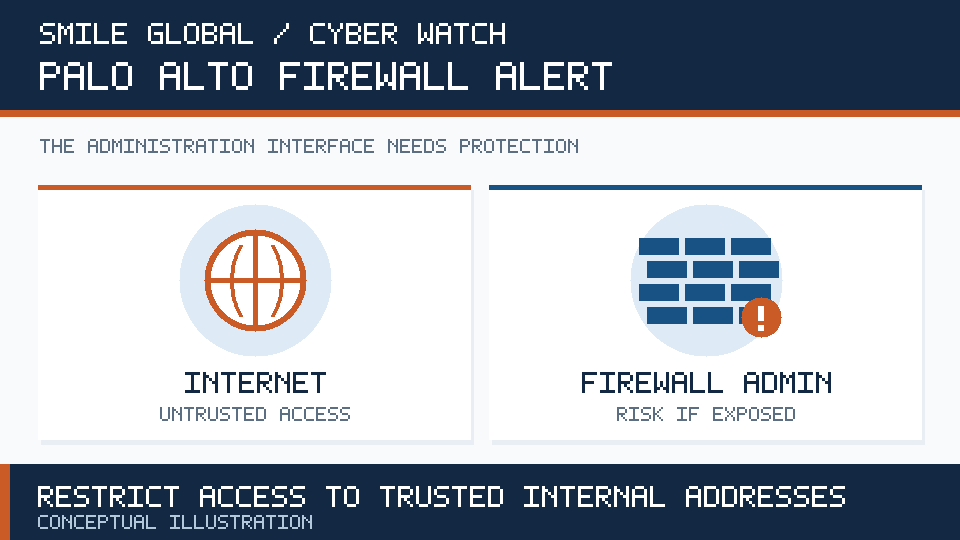
Palo Alto Networks recently issued a bulletin describing an exploited vulnerability affecting PAN-OS, the software that runs on its firewalls. The warning is especially important for companies that allow firewall management connections from the public internet. It also offers a useful lesson for businesses that use other firewall brands.
In this article
- What did Palo Alto Networks report?
- What is a firewall management interface?
- Why internet-exposed management access increases risk
- What should PAN-OS administrators do now?
- How can all businesses improve firewall security?
- Frequently asked questions
- Take the next step
What did Palo Alto Networks report?
The vendor's security bulletin PAN-SA-2026-0015 lists an initial publication date of November 24, 2026, and displays November 25 as its published date. It reports exploitation of CVE-2026-46300 in attacks targeting exposed PAN-OS management interfaces.
This flaw affects part of the underlying Linux operating system. It can increase a user's level of access after an attacker has obtained an initial foothold. The advisory describes the observed route as requiring another vulnerability involving the exposed management interface first. The distinction is important: CVE-2026-46300 is not itself described as a stand-alone remote entry point.
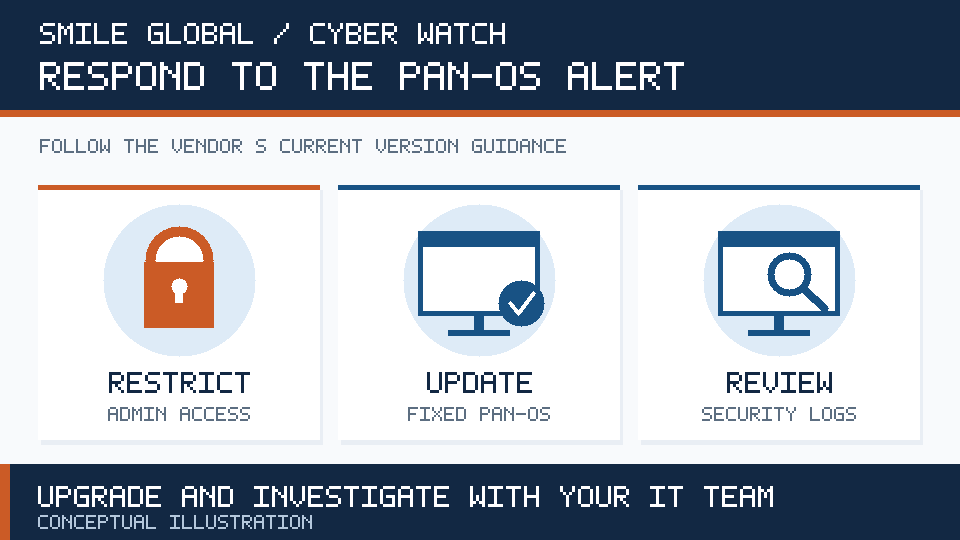
Palo Alto Networks lists corrected versions of PAN-OS and recommends upgrading immediately and limiting administrative access for devices whose management interfaces are reachable from the internet. The bulletin does not establish how many organizations were compromised or that all PAN-OS firewalls are affected in the same way. Administrators should check the current vendor guidance for their specific version and configuration.
What is a firewall management interface?
Most people in a business simply connect to the network and use their applications. The firewall works in the background. It checks traffic against rules that the IT team sets up. Those rules help decide which connections can go through and which ones should be blocked.
The management interface is different. It is where authorized IT staff sign in to manage the firewall itself. They may use it to review security alerts, adjust network rules, configure services or install software updates. This administrative access is powerful because it can affect many other systems that rely on the firewall.
Imagine a building with a front door that customers can use and a locked office where only authorized staff can change the security system. Both doors may belong to the same building, but they serve very different purposes. Your firewall's administrative access should receive that same special care.
Some organizations have more than one way to reach their firewall settings. The interface may be available on a dedicated management connection or through an interface that has management access enabled. Ask your IT team to review all of those paths, not just the one it normally uses.
Why internet-exposed management access increases risk
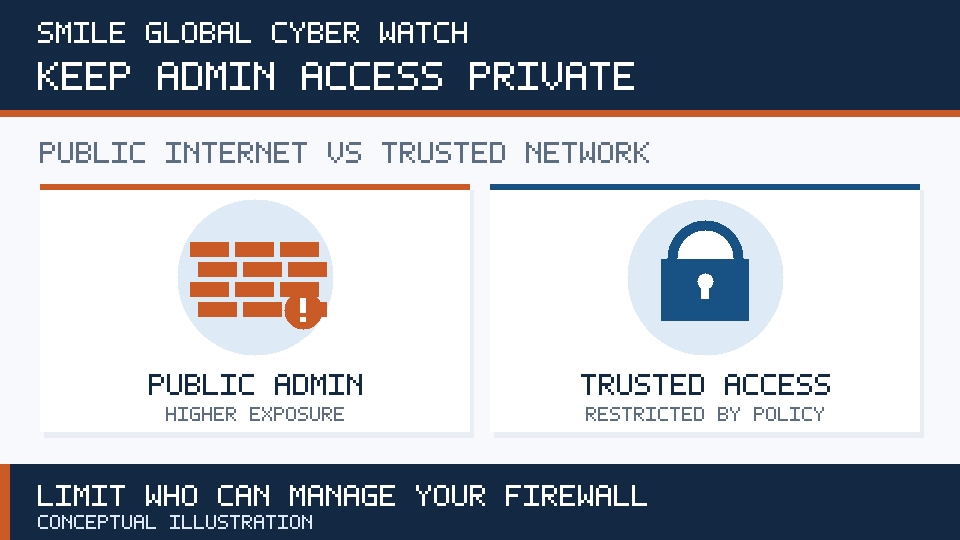
A management login that is available from the public internet can receive connection attempts from people outside your organization. That exposure can give criminals an opportunity to look for weaknesses or try stolen credentials. Even if the login requires a password, software flaws may still create risk.
Keeping management access limited to trusted networks reduces the number of people who can reach it. A carefully configured private administration path can allow authorized staff to manage the equipment without making its settings available to everyone on the internet.
This does not mean that a firewall should stop passing normal business traffic. A public-facing internet connection and the ability to administer a firewall are different things. A business may need to provide internet services while keeping the equipment's own controls private.
Other types of devices have similar management settings. In our article about Check Point management server attacks, we discussed why security management systems deserve careful protection. That is a general lesson, not a statement that the two incidents share the same cause.
What should PAN-OS administrators do now?
First, ask the IT team to identify the PAN-OS version running on each firewall and compare it with the current official advisory. The vendor provides fixed versions for different release branches. Do not assume that the latest update for one firewall model or software branch is the right update for another. Review the supported upgrade path and any related notices.
Next, determine whether any firewall management interface can be reached from the internet. Follow the vendor's access restriction recommendations. Coordinate changes carefully, since modifying administrative access without a plan could lock out the people who need to manage the device.
Prepare a backup of the firewall configuration and confirm that your team has a safe way to recover it if necessary. Schedule the work with the people who rely on the network, but do not postpone an urgent exposed-device update just because a routine maintenance visit is still weeks away. Follow the vendor's urgency guidance and your incident response plan.
If the firewall may already have been targeted, an update alone should not be treated as proof that the device is clean. Ask your security team to review relevant logs, configuration changes, administrator accounts and other signs of unauthorized activity. Preserve evidence when appropriate and contact the vendor or qualified incident response specialists for advice.
How can all businesses improve firewall security?
Begin with an inventory. List the firewalls and other important network devices your company uses. Record the software versions, maintenance responsibilities and approved management methods. When a vendor publishes an urgent notice, your team should be able to quickly determine whether the notice applies.
Make routine firmware reviews part of your ongoing maintenance. Test major changes where practical, keep protected configuration backups and document the recovery process. Review who has administrator access and remove accounts that are no longer needed.
Also consider how your provider monitors the network for changes and unusual activity. A firewall update is one part of protection. Good network design, secure administration, strong account protection and regular review all help the company respond to new threats without creating avoidable downtime.
Ask who receives security notices when your firewall vendor releases an important update. A notice that sits unread cannot help protect the business. Assign responsibility for checking advisories, deciding which devices need action and confirming that the work was completed.
Frequently asked questions
Is CVE-2026-46300 a stand-alone remote firewall exploit?
The bulletin describes it as a local privilege escalation flaw. The vendor says the known exploitation route first requires another weakness through an internet-exposed management interface.
What if my management interface is already restricted?
Palo Alto Networks says risk is significantly reduced when access is limited to trusted internal addresses. It still recommends upgrading to a fixed release as advised.
Do I need to replace my firewall?
The advisory lists corrected PAN-OS versions. Your IT provider should determine the appropriate supported update for your device and whether any hardware lifecycle issues need separate attention.
Will patching remove an existing compromise?
Not necessarily. If a device may have been compromised, the team should investigate and follow the appropriate recovery guidance in addition to installing the fix.
Take the next step
Your firewall is an important part of your business, and protecting its own controls matters just as much as protecting the devices behind it. Start with a review of management access, software versions and responsibility for security updates. Learn more about Smile Global's cybersecurity services if your business needs help assessing these protections.