When a caller says they are from IT, would everyone on your team know how to check? The Boston Scientific data breach is a reminder that a phone call can put cloud accounts and personal information at risk. The company's notice explains what happened months before the recent news coverage. Here's what we know and what your business can do.
Table of contents
- What happened at Boston Scientific?
- Which systems and information were affected?
- Why can a phone call put a cloud account at risk?
- How can small businesses and clinics stop voice phishing?
- What should you do if someone already shared information?
- Frequently asked questions
What happened at Boston Scientific?
Boston Scientific makes medical products used by healthcare providers around the world. Its recent notice describes a security incident involving business applications hosted in the cloud. The company says someone used voice phishing, a form of deception over the phone, to gain access to those applications and download data.
The dates are important. The company says the data was downloaded between May 7 and May 12, 2026. It discovered possible unauthorized access on May 12 and began investigating. A review completed on November 5 identified personal information involved in the incident. California’s Office of the Attorney General lists the company’s notice on November 25. BleepingComputer reported on the breach on November 27.
This is not the same incident as the company's August cybersecurity disruption. The November 27 reporting says a company representative confirmed the two incidents were unrelated. Keeping those events separate helps readers understand what happened without mixing up the effects of different attacks.
Read the company notice filed with the California Attorney General and the November 27 reporting.
Which systems and information were affected?
The company says the May incident involved certain cloud-based business applications. Its notice specifically excludes patient medical record systems, connected medical devices and remote monitoring systems. It also says this incident did not disrupt its ability to serve patients or healthcare providers.
The precise personal information involved can differ from person to person. The sample notice posted in California says Social Security numbers and financial information were not affected for the recipients it covers. That sample does not establish which information was involved for everyone affected. If you receive a notice, use the details in that notice and confirm it through an official channel.
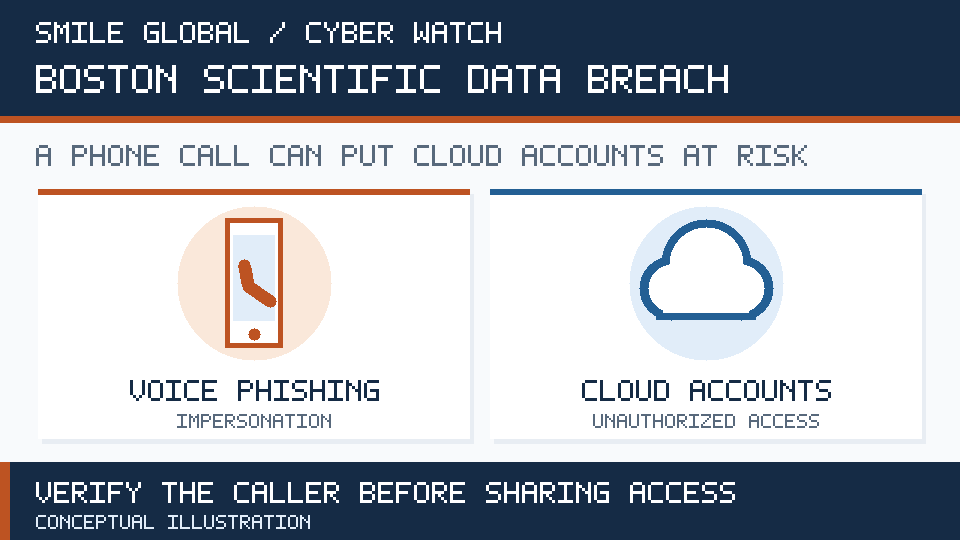
The second illustration helps distinguish business account data from medical equipment. A security incident involving a medical device company is not automatically an attack on the devices themselves. A clinic should review official guidance before deciding whether any of its own systems need attention.
Why can a phone call put a cloud account at risk?
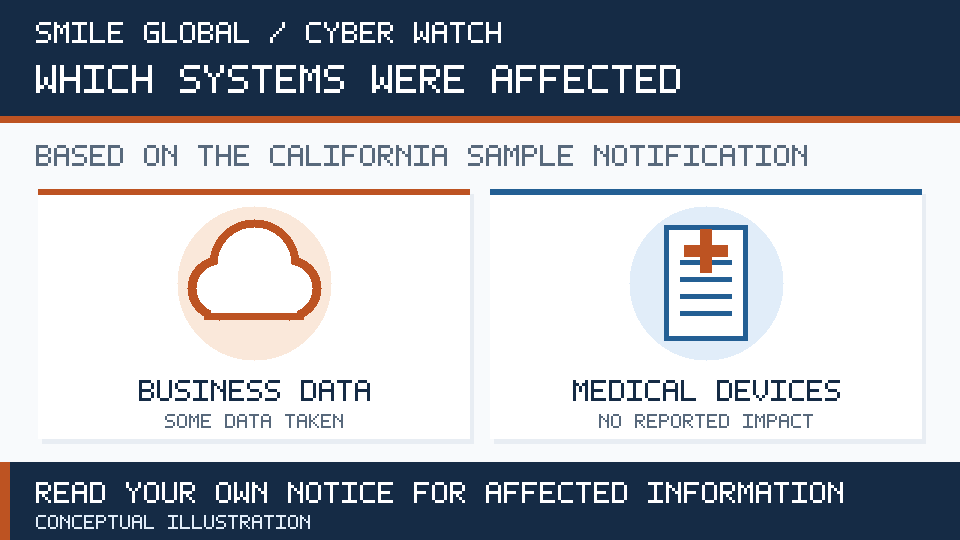
Voice phishing is a scam in which someone uses a phone call to convince another person to share information or take an unsafe action. It can sound like a normal business conversation. The caller might claim to work for a vendor, a help desk or a company department. A person who wants to be helpful may feel pressure to respond quickly.
Imagine an employee who receives a call about an account problem just before lunch. The caller claims there is a deadline and asks the employee to approve a sign-in. A real sign-in request may appear on the employee's phone. That does not prove that the caller is authorized. If the employee did not start the sign-in, they should not approve it.
That example is a general warning, not a description of the exact Boston Scientific call. The notice does not describe the individual conversation or specify which account protections were in use.
A cloud application can hold important documents, customer contact details, billing information or business records. What a person can reach depends on their permissions. Protecting the account is therefore just as important as protecting the computer used to open it.
How can small businesses and clinics stop voice phishing?
Start with a simple rule that works even on a busy day: stop the call and contact the real organization through a number you already trust. Use your company's help desk number or an existing vendor contact. Do not rely on the number the unexpected caller gives you.
Make this rule easy for everyone to follow. Keep the help desk number near the front desk, include it in staff training and explain who to call when the usual contact is unavailable. In a medical office, reception staff may be answering several calls at once. A short, clear process is more useful than a long policy no one can find.
Never share your work password or a one-time sign-in code with a caller. An unexpected approval request should be declined and reported. A legitimate IT team should have a way to help without asking an employee to give away a password.
Ask IT to review how important accounts are protected. Passkeys or hardware security keys can reduce the risk of certain phishing methods. Account recovery and help desk procedures need protection as well. Give staff access only to the applications and records they need, and review those permissions when people change jobs.
Good monitoring can help IT notice unusual account behavior. But monitoring and sign-in protections work best when employees also feel comfortable reporting a suspicious call. Encourage them to report even if they are not sure they made a mistake.
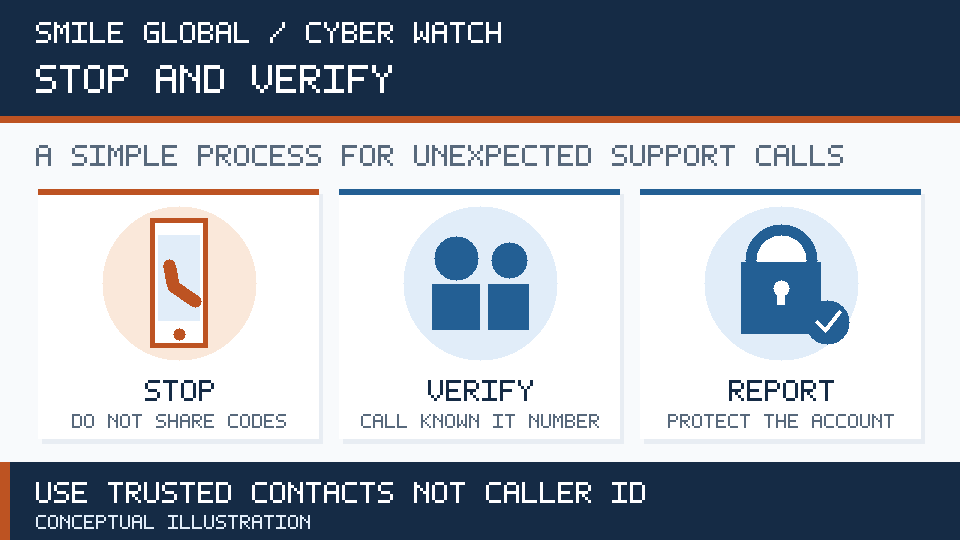
Practice the callback rule in a short staff meeting. Ask a team member to explain how they would verify an unexpected caller, and check that the phone number they would use is current. The last illustration shows the three steps to remember: stop, verify and report.
What should you do if someone already shared information?
Contact your IT team immediately using a known number. Tell them what the caller requested and what you shared or approved. Save any relevant messages, call details or notifications. Do not contact the suspected scammer again to ask whether the request was real.
Your IT team may need to secure the account, end active sessions, review sign-ins and connected applications, and check for changes to settings or permissions. A password reset by itself may not remove all existing access. If private information may have been involved, the business should follow its incident response and privacy procedures.
If you receive a Boston Scientific breach notice, verify it through the company's official information or the contact information in the regulator's published notice. Read the specific data categories listed for you. Consider the precautions recommended in the letter. Be especially careful with unexpected calls that claim to offer help after a breach.
Frequently asked questions
Were Boston Scientific medical devices affected? The company says the May incident did not affect product operation, safety or remote monitoring. Follow official company guidance for any device-specific questions.
Did this attack happen in November? No. The company dates the data downloads to May 7–12. The later review identified affected personal information on November 5, and news coverage appeared on November 27.
Can a real-looking sign-in prompt be part of a scam? Yes. Only approve a request you started and recognize. Call IT if anything is unexpected.
Does every affected person have the same exposure? Do not assume so. Individual notifications describe which information was involved for their recipients.
The lesson for a small business is practical. A helpful employee should not have to decide whether a caller sounds convincing. Give everyone a trusted way to check the request first. For more information on protecting business accounts, see Smile Global cybersecurity services.